16
Step 2: Identifying the Vehicle
Option 1: Select manually from the main menu,
The following messages only show some of the possible options. During testing, only the
options available for the vehicle and ECU being tested will appear on the screen. Select
one of the attributes from each screen and highlight the attribute to enter to the next page.
The screens continue appearing until the selecting complete. Follow instruction on each
screen that appears to find the access to the function test.
1. Select the group of the manufacturer by highlighting menu option. The manufacturers
are categorized into three groups according to the locations (USA, European or
Asian).
2. Press the manufacturer key to enter a new screen. A dialog box pops up shows the
loading process, wait until compete.
Possible 1: For some of the vehicle, identify vehicle process is not needed.
Component test screen appear at this stage already and allows you to perform the
component test.
Possible 2: For the others, continue selecting the vehicle from the scan tool is needed.
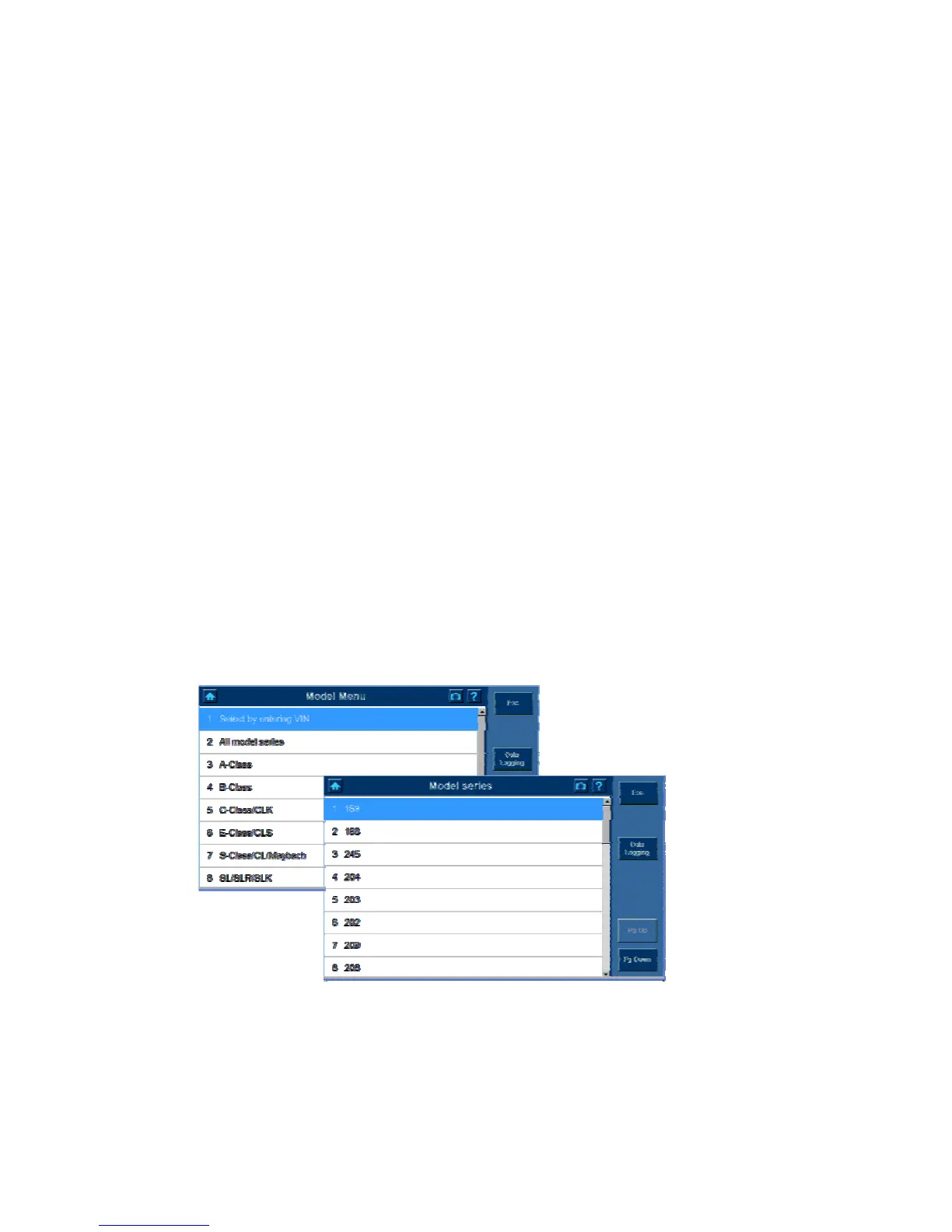
To identify the vehicle, you may need to complete a series of selections, which may
include any of the followings. (Benz as an example) Select one of the attributes from
each screen and highlight the attribute to enter to the next page. The screens continue
appearing until the selecting process complete.
(All Model Series, 169 have been selected)















 To Next Page