46
Chapter 10 I/M Readiness (OBDII Only)
To view the I/M Readiness,
1. Click the I/M Readiness button.
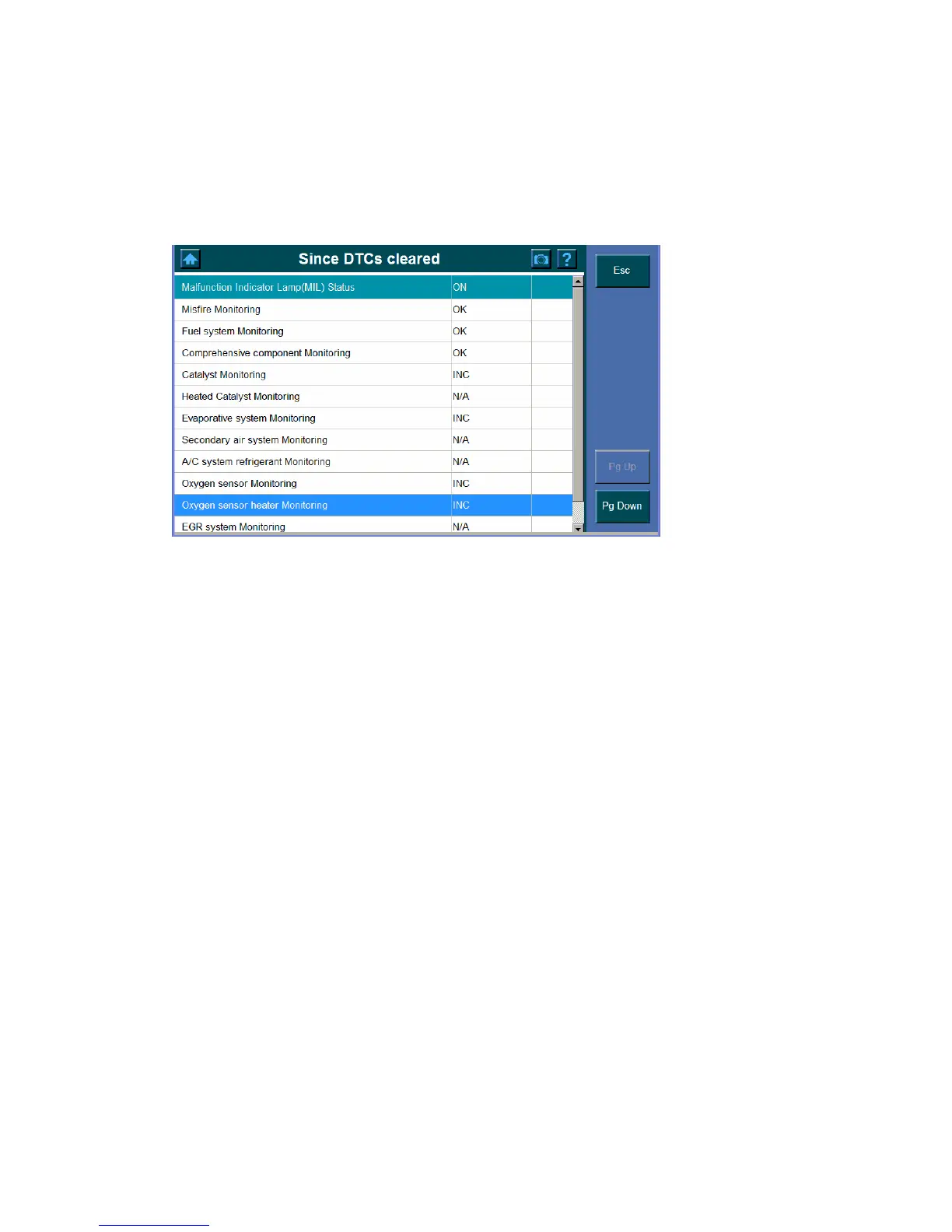
2. Wait until the Since DTCs cleared Screen shows.
N/A are those not available on the current vehicle.
OK shows the readiness which complete the test
INC shows the readiness which has not completed the test yet.















 To Next Page