56
Chapter 15 Playback
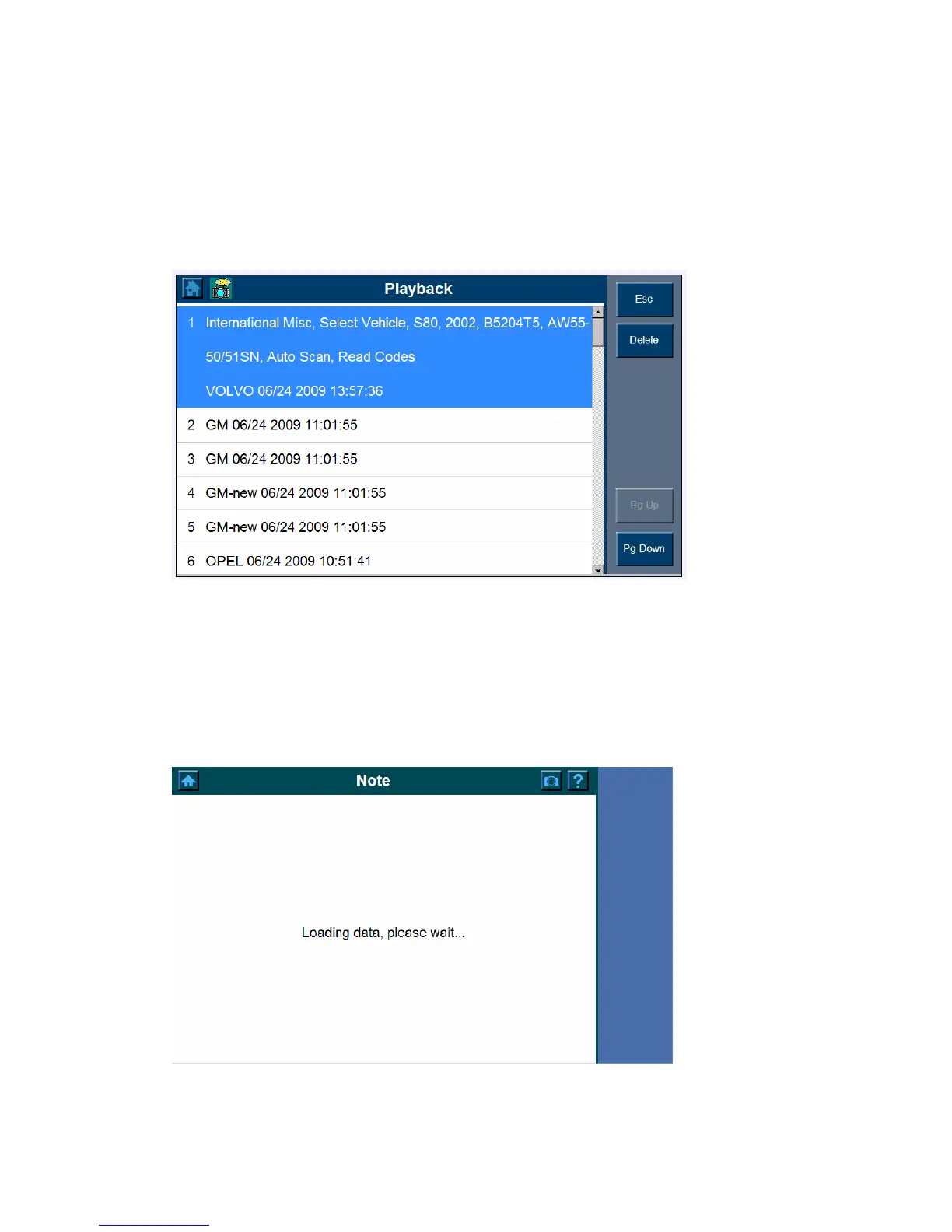
The Playback function is used for reviewing saved data files. The data files are saved to
the Maxidas’s memory card with the data stream saving function, DTC saving function,
freeze frame saving function and the automated testing and diagnostic system. The
Playback function also allows you delete recorded data files and allows you copy saved
data files to and from a portable USB driver for either temporary or permanent storage.
To playback saved data files:
1. Make sure the Maxidas is connected to a power supply.
Note: It is not necessary to connect the Maxidas to a vehicle while playing back
saved data files.
2. Open/Return to the main menu of the Maxidas.
3. Select the Playback function; wait for the data screen to appear.
4. For detailed information, select the saved data file to playback. (The data files are
identified by the vehicle description, date, and time of the saving.)















 To Next Page