18
Option 2: Select form the Vehicle Record (If the vehicle has Auto Scan function)
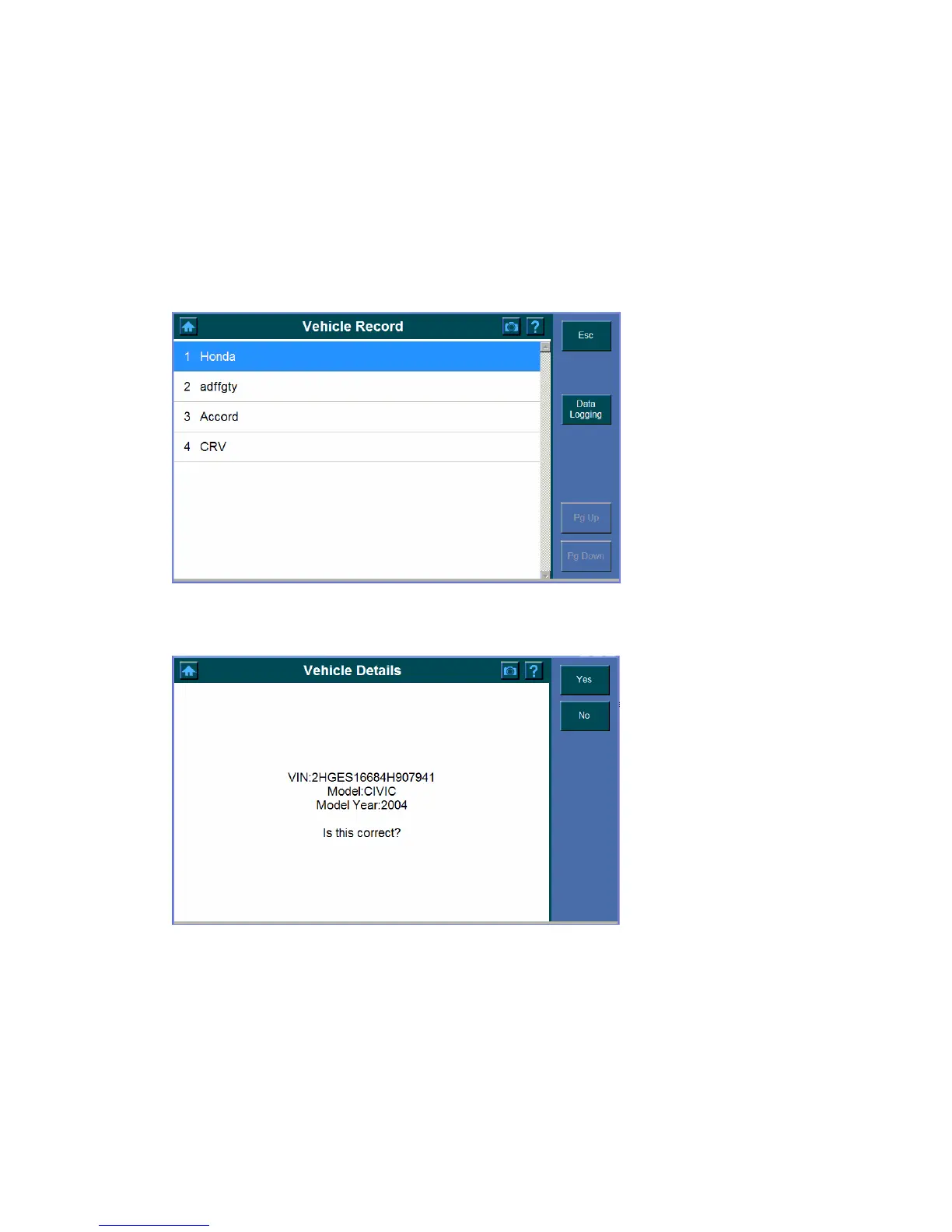
To identify a vehicle by vehicle record,
1. Click the Vehicle Record button.
2. Select the Vehicle ID from the list.
Note: This option is only available to those which have Auto Scan function, refer
to Chapter 5 Auto Scan (HONDA) on Page 23 for how to establish a vehicle
record access.
3. The following screen displays and asks for your confirmation, click Yes to select or
click No to exit.
4. The following screen shows the communication status.















 To Next Page