31
Chapter 6 Diagnostic Trouble Codes (VOLVO/ OBDII)
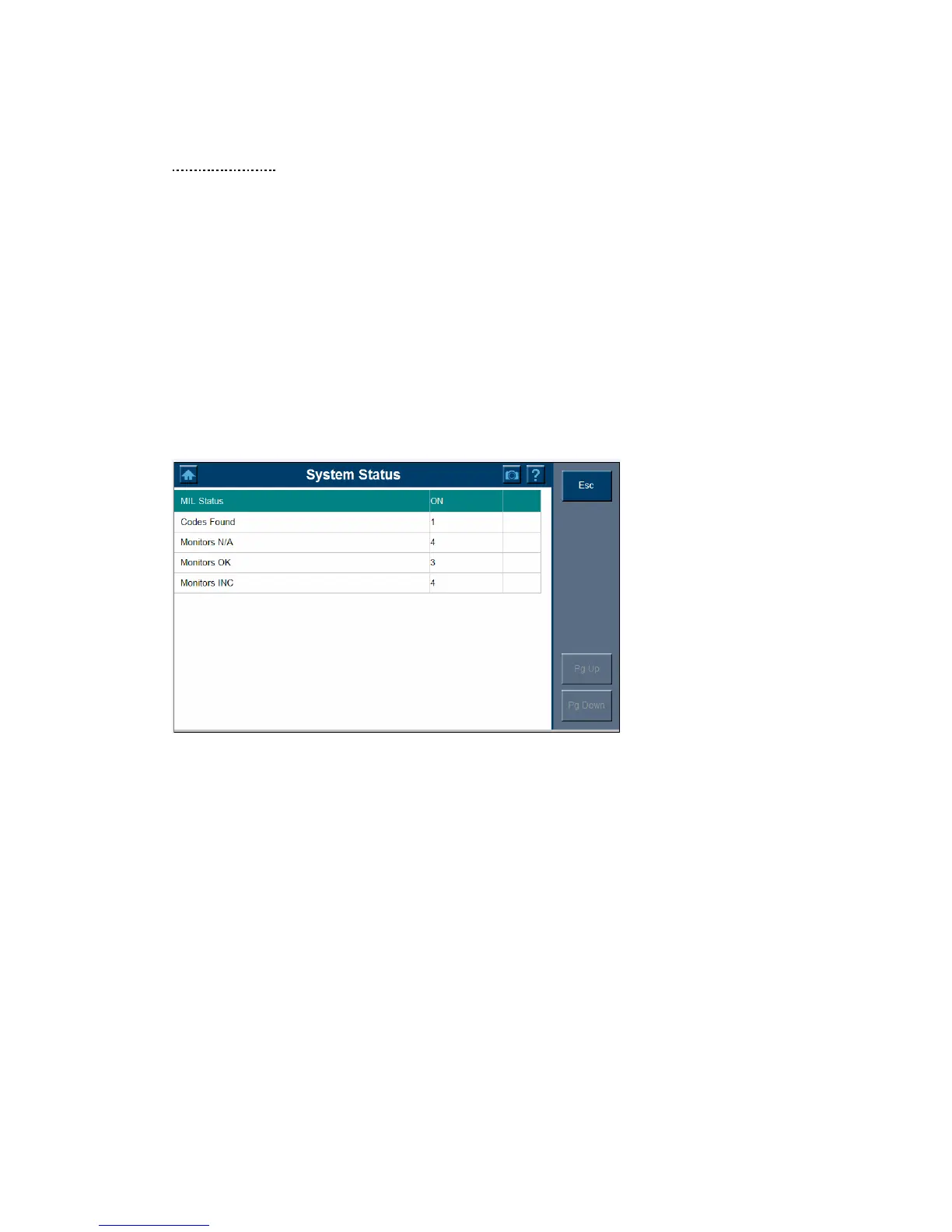
System Status
The System Status Screen shows the current (live) conditions of each of the eleven
missions monitor. 2. System Status Screen.
The update completed and then displays a report of any codes found, which may include
any of the followings:
MIL status shows you the status of the Malfunction Indicator Light.
Monitors N/A are those not available on the current vehicle.
Monitors OK shows the emissions monitors which have completed the test
Monitors INC shows the emissions monitors which have not completed the test yet.
Since this is a live screen which continuously updates, the vehicle can be driven until the
monitors INC (Incomplete monitors) graph is empty of solid blocks.















 To Next Page