35
3. Erase Codes
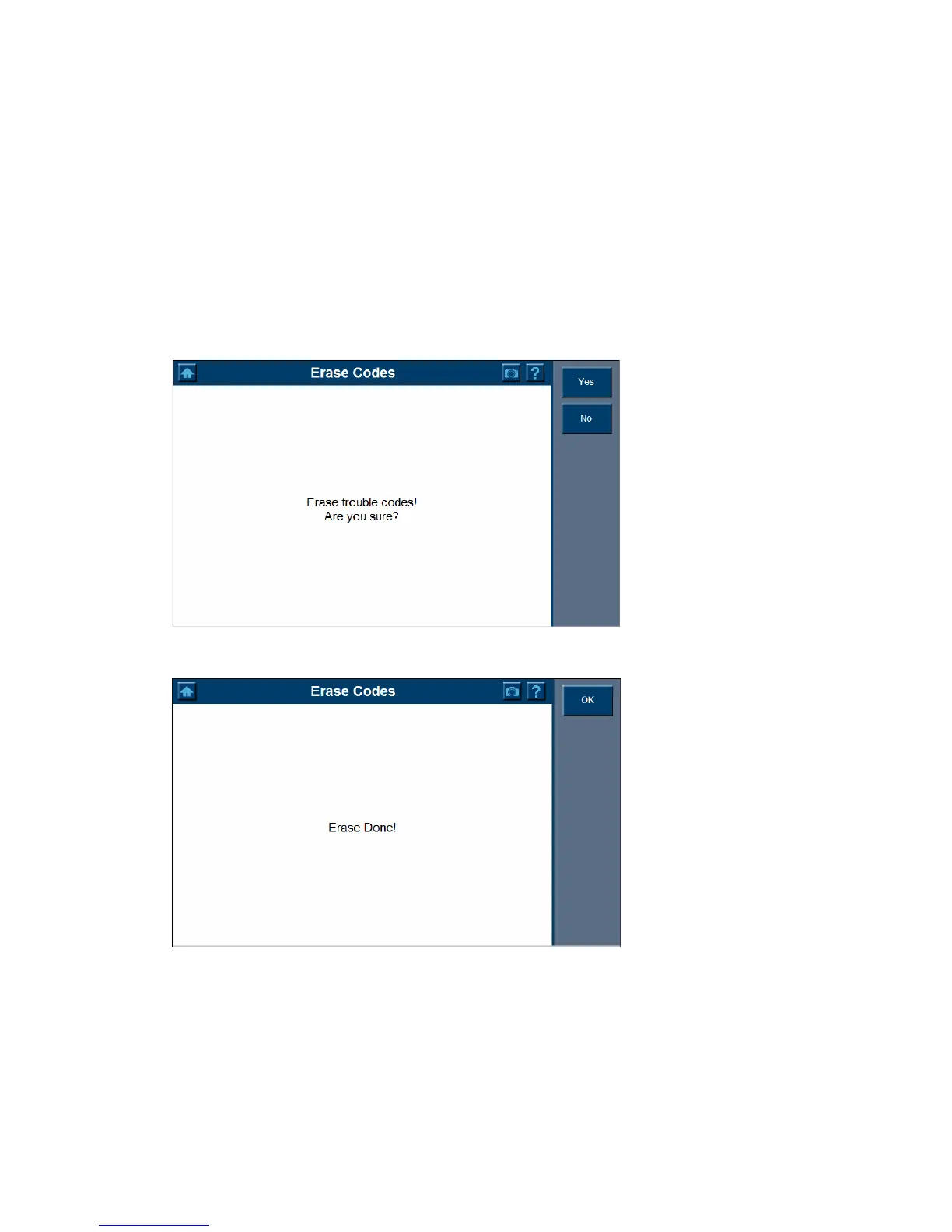
1. Click the Erase Codes to erase trouble codes.
Important: Free Frame data and manufacturer enhanced data and codes from the
vehicle’s on- board computer will be erased once you confirm to erase
Trouble Codes. (Free Frame data PIDs are information used to help the
technician verify the condition at the time a fault is set.) Further, the I/M
Readiness Monitor Status, for all vehicle monitors, is reset to INC
(Incomplete) status.
2. A dialog box shows asking for your confirmation.
3. Select Yes to proceed with erasing codes or select No to exit without deleting.















 To Next Page