51
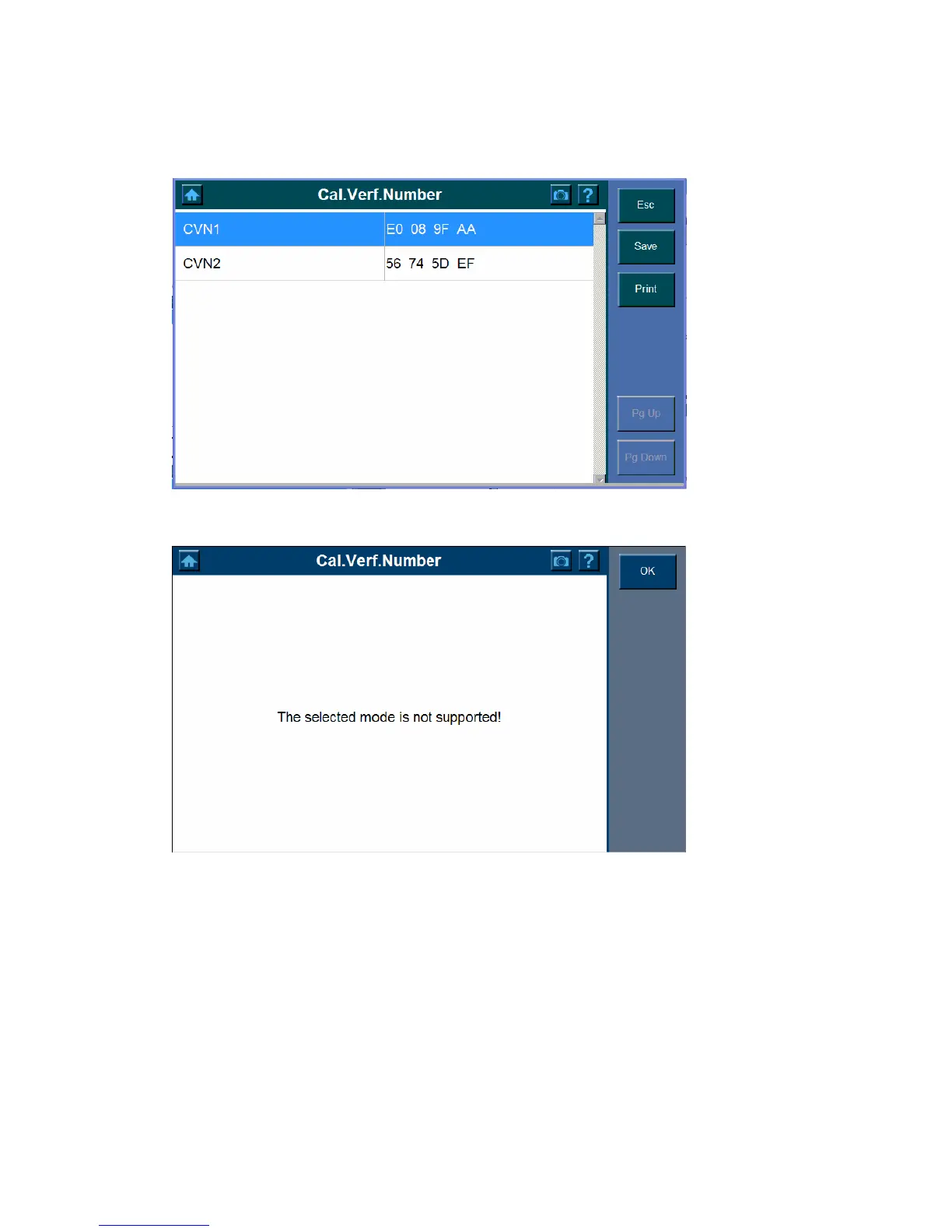
2. Cal.Verf.Number
To view the Cal.Verf.Number,
1. Click the Cal.Verf.Number button.
2. The following screen indicates the selected mode is not supported.
Modules Present
The Modules Present function allows viewing of the module IDs and communication
protocols for OBD II modules in the vehicle.
To use the modules present function,
1. Highlight the Modules Present button.















 To Next Page