60
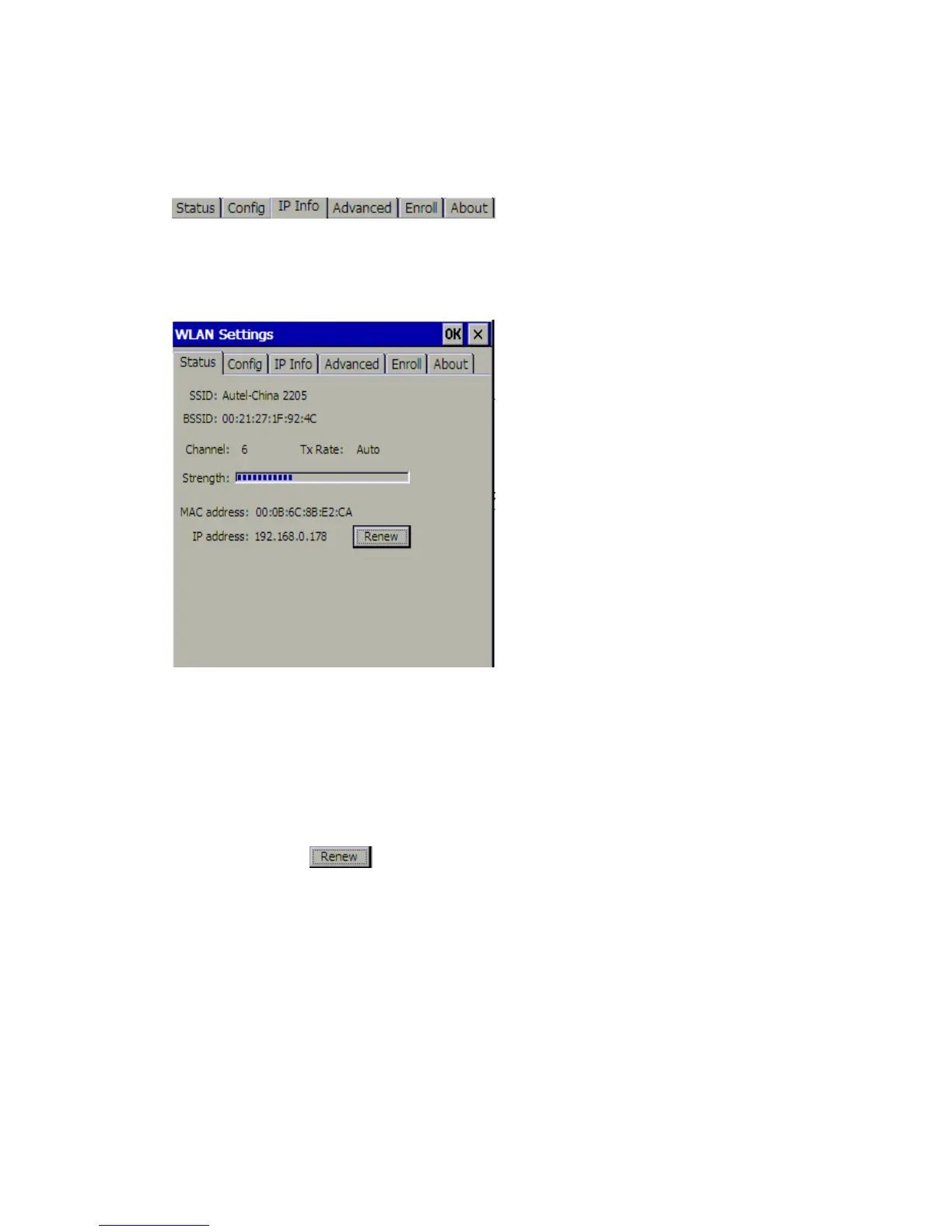
Introduction to the Toolbar of WLan Settings
There are six tabs in the toolbar of WLan Settings:
1 Status
The Status tab shows the following information of the WLan (Wi-Fi local area network) on
your MaxiDAS DS708:
1. SSID
2. BSSID
3. Channel
4. Tx Rate
5. Strength
6. MAC address
7. IP address
Note: You can click
and wait for several seconds to get the newest information.
2 Config
The Config tab displays two columns: Preferred Networks and Active Networks. The
Active Networks contain all the networks can be detected by MaxiDAS DS708. The
Preferred Networks list the networks that were successfully connected the last time you
used MaxiDAS DS708.















 To Next Page