65
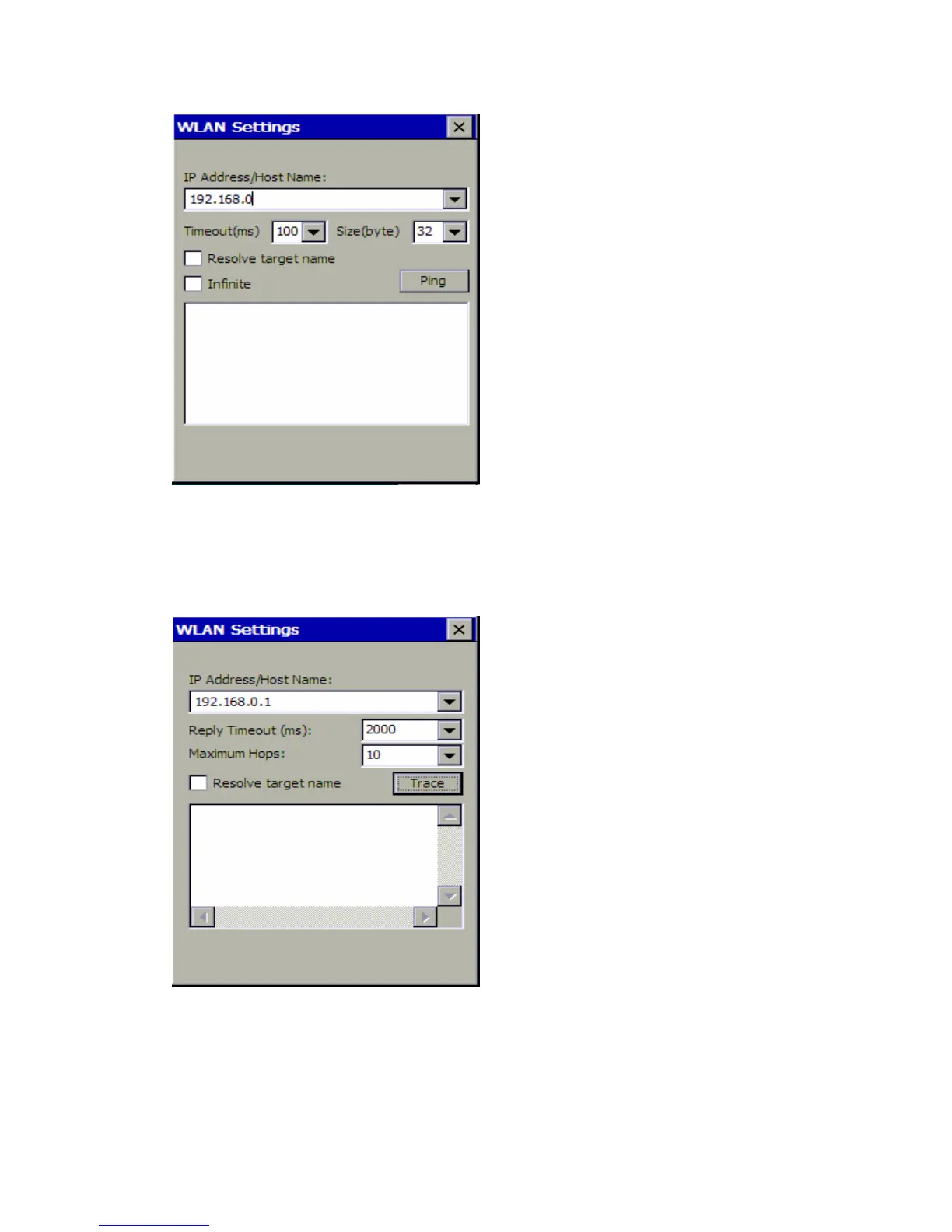
3. Use the Trace command to trace the network connecting.
Note: Before trace, you have some information to complete in the dialog box. Fill in the IP
address/ Host Name, select the reply timeout (ms) and maximum hops, determine
whether to resolve target name.
The difference between ping and trace is that ping can only tell you whether the network is
connected, and trace can tell you where something is wrong if the network is not
connected.
4. Use the Config command to set the IP address.















 To Next Page