67
1. Always Disable indicates that MaxiDAS DS708 will turn off PSM entirely.
2. Always Enable indicates that MaxiDAS DS708 will turn on PSM from the time it is
powered on.
3. Auto Enable indicates that MaxiDAS DS708 will turn on and off PSM from time to time
when necessary.
You can select a suitable PSM according to the situation when you are using MaxiDAS
DS708, then click
to make it effective. Press or on the right upper
side to exit the menu.
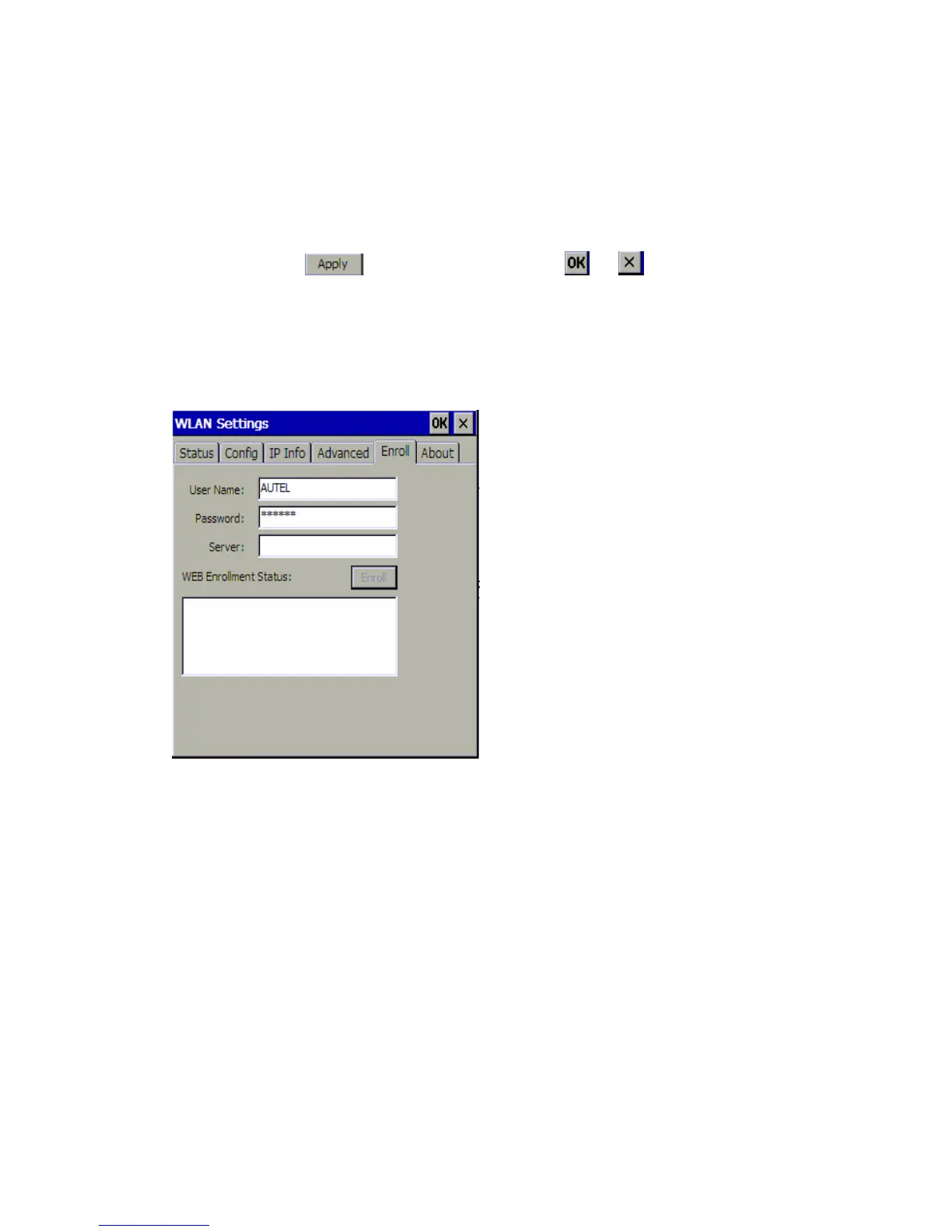
5 Enroll
The Enroll tab allows you to enter and save the user name, password, server there, so
that you do not need to input them every time.
However, if you don’t have the user name and password or it is not required by the WLan
settings, it is not necessary to enroll here.
6 About
The About tab shows the information of both version and network card.
Version Information includes:
1. Driver Version
2. Firmware Version
3. Utility Version
4. Build Date
Network card information includes:
1. WLAN Module
2. MAC Address















 To Next Page