13
1. Top Toolbar Buttons
2. Vehicle Manufacturer Buttons
Top Toolbar Buttons
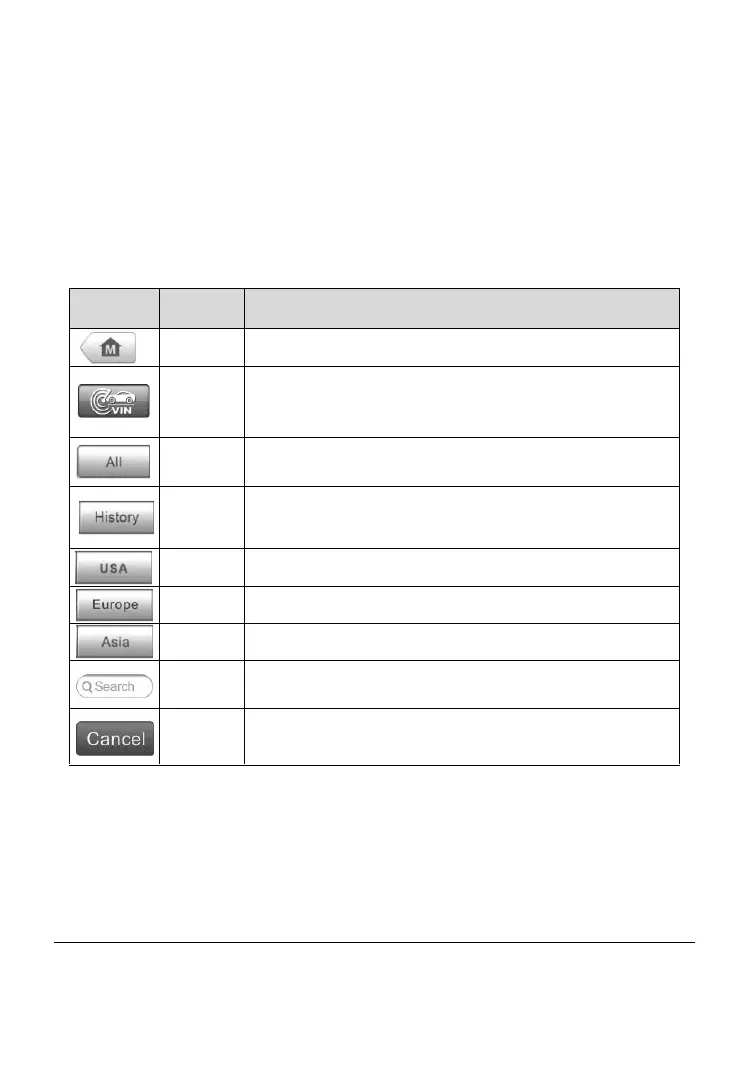
The operations of the toolbar buttons at the top of the screen are listed and
described in the table below:
Table 4-1 Top Toolbar Buttons
Returns to the MaxiDAS Job Menu.
Provides a fast way to identify the test vehicle. See
Auto VIN Scan on page 14 for details.
Displays all the vehicle makes in the vehicle menu.
Displays the stored test vehicle history records. See
Vehicle History on page 56.
Displays the USA vehicle menu.
Displays the European vehicle menu.
Displays the Asian vehicle menu.
Searches for a specific vehicle make.
Exits the search screen or cancels an operation.
Vehicle Manufacturer Buttons
The Manufacturer buttons display the various vehicle logos and the brand
names. Select the required manufacturer button after establishing the
communication with the test vehicle to start a diagnostic session.
Vehicle Identification
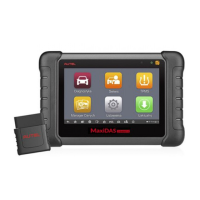
The MaxiDAS diagnostic system supports four methods for Vehicle
Identification.


 To Next Page