40
3. Select a specific protocol under the Protocol option. Wait for the
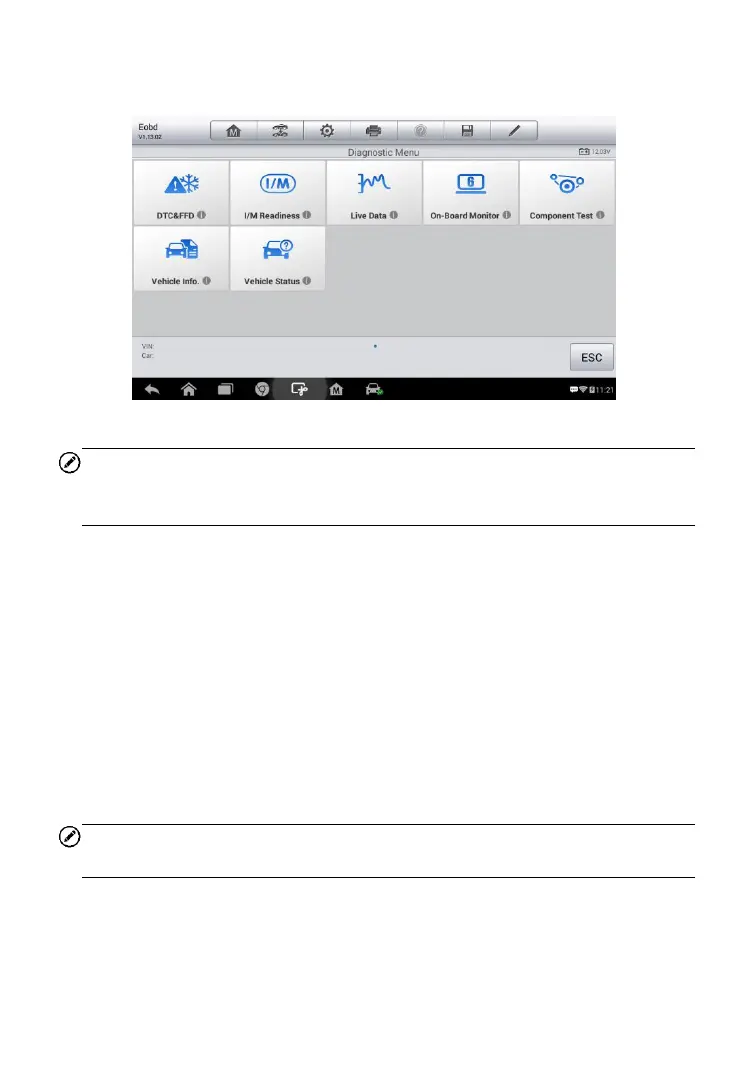
OBD II Diagnostic Menu to appear.
NOTE
Tapping the
○
i button displayed beside the function name opens a bubble
with additional function information.
4. Select a function option to continue.
DTC & FFD
I/M Readiness
Live Data
O2 Sensor Monitor
On-Board Monitor
Component Test
Vehicle Information
Vehicle Status
NOTE
Some functions are supported only on certain vehicle makes.
Function Descriptions
This section describes the various functions of each diagnostic option:
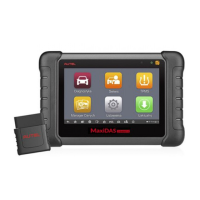
Figure 4-18 Sample OBD II Diagnostic Menu


 To Next Page