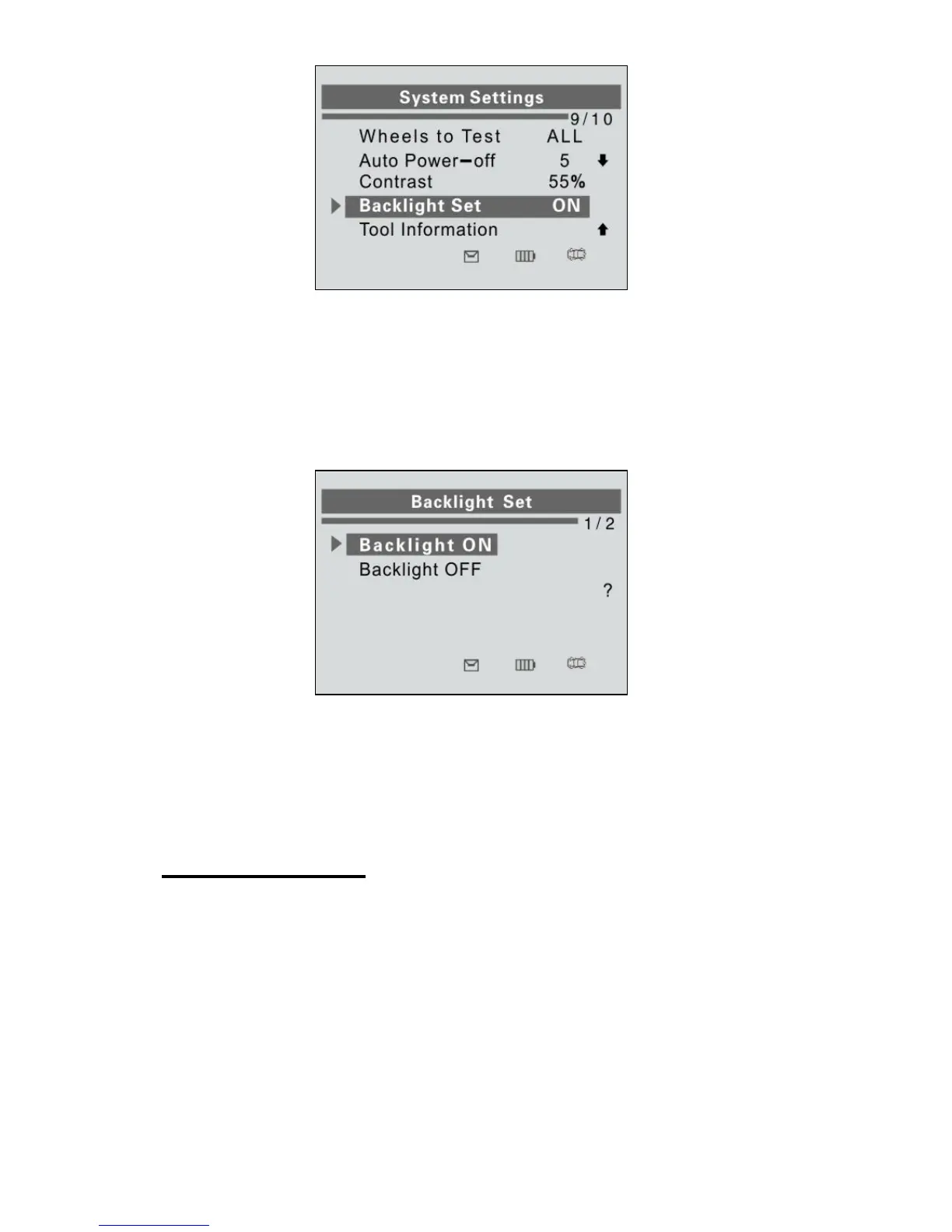
Figure 3.18
2) From Backlight Set menu, use the UP/DOWN SCROLL button
to select Backlight ON or Backlight OFF to turn on/off the
backlight.
Figure 3.19
3) Press the Y button to save your selection or the N button to
cancel and return to previous menu.
Tool Information
This function allows user to view some important information about
the tool, such as serial number, software version and hardware
version.
1) From System Settings screen, use the UP/DOWN SCROLL
button to select Tool Information, and press the Y button; wait
for the Tool Information screen to appear.















 To Next Page