2) USB Cable -- Allows easy update through PC via internet
connection.
3) Carry Case – A case to store the tool when not in use.
4) Magnet -- Used to trigger magnetically activated sensors (early
model TPMS sensors)
5) Power Adapter – Charges the built-in battery.
6) CD – Includes user’s manual, MaxilinkII Kit, etc.
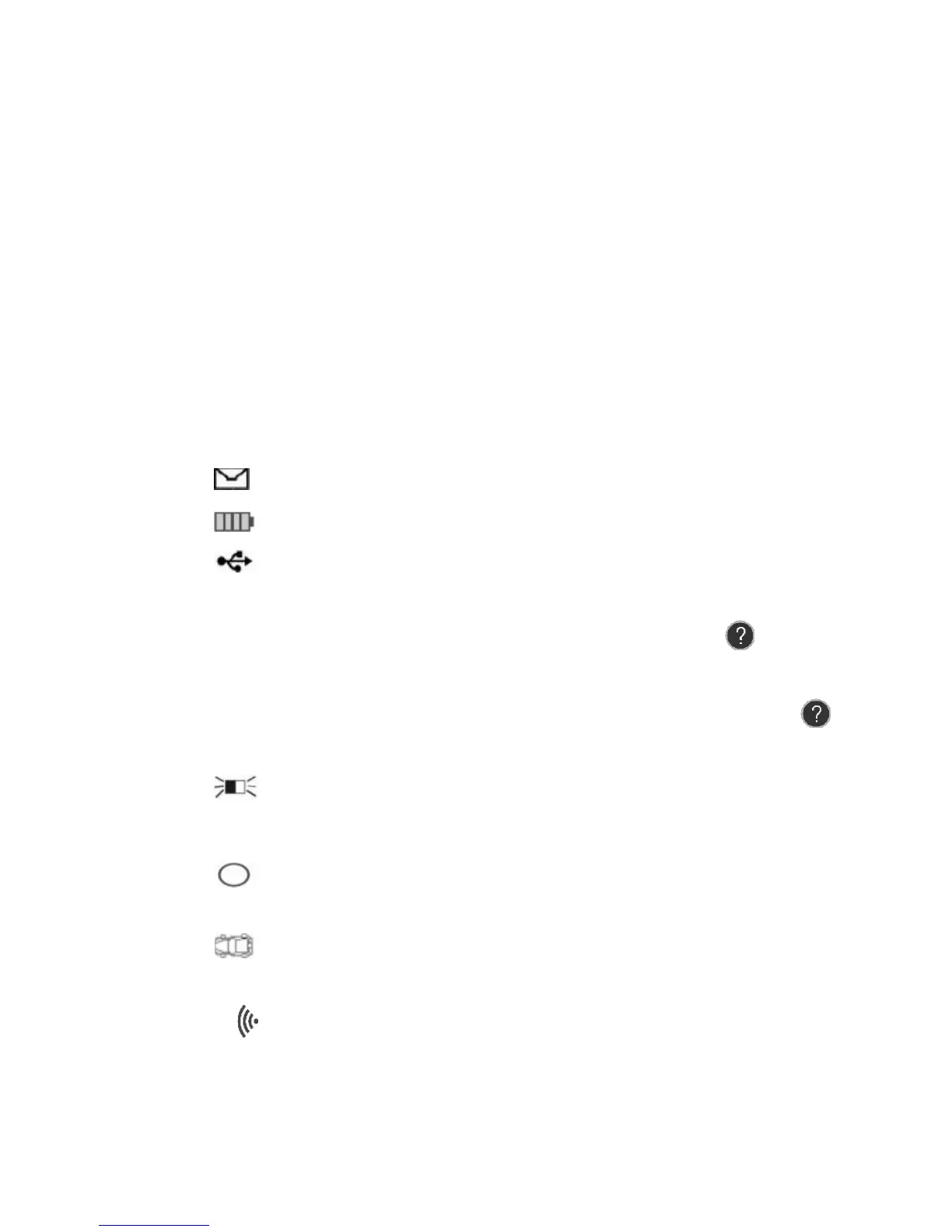
3.4 Icons
1) “►” -- Indicates current selection.
2) “X/X” -- Indicates total items in a menu and their sequence.
3) “ ” -- Indicates there is data stored in the tool.
4) “ ” -- Indicates battery volume.
5) “ ” -- Indicates USB communication with the computer is
established.
6) “? ” -- Indicates there is tip for relevant item. Press HELP
BUTTON to view the details for help information.
7) “…”-- Indicates the item is too long for the display. Press
HELP BUTTON to view the full text.
8) “ ” -- Indicates magnet is required to activate TPMS sensor.
9) “P↓”-- Indicates deflation is required to activate TPMS sensor.
10) “ ” -- Indicates test mode One Wheel of Wheels to Test in the
system setting is selected.
11) “ ” -- Indicates test mode ALL Wheels of Wheels to Test in
the system setting is selected.
12) “ ” – Indicates the TPMS tool is sending signals to the tire
sensor for activation and test.
3.5 Keyboard














 To Next Page