7) Auto Power-off: Sets the time to power off automatically.
8) Contrast: Adjusts the contrast of the LCD display.
9) Backlight Set: Turns on/off the backlight.
10) Tool Information: Views the important information of the tool.
Settings of the unit will remain until change to the existing
settings is made.
To enter the Setup menu
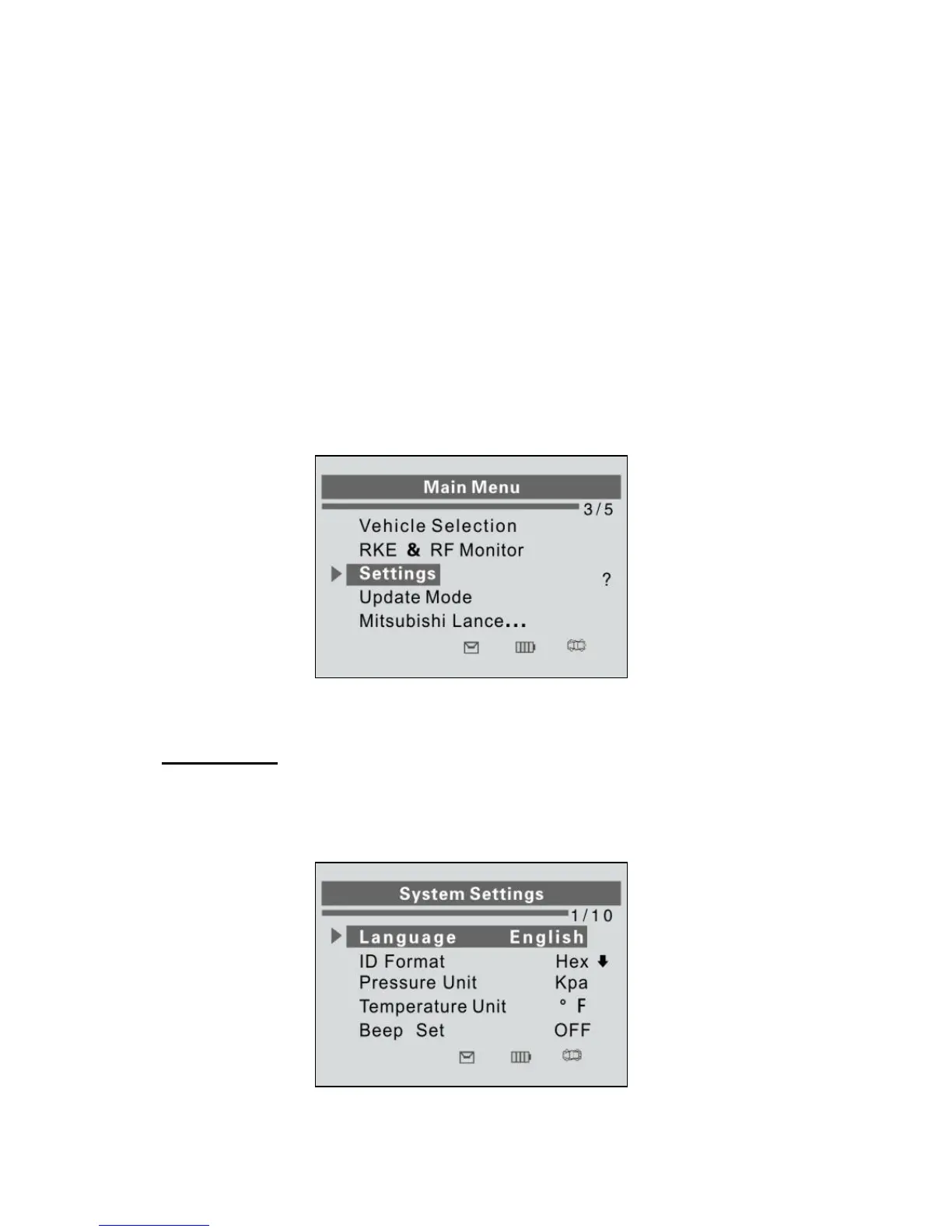
When the scan tool is powered on, it displays a Main Menu. (Figure
3.1) Use the UP/DOWN scroll button to select Settings from
Main Menu, and press the Y button.
Figure 3.1
Language
1) From System Settings screen, use the UP/DOWN SCROLL
button to select Language, and press the Y button.
Figure 3.2














 To Next Page