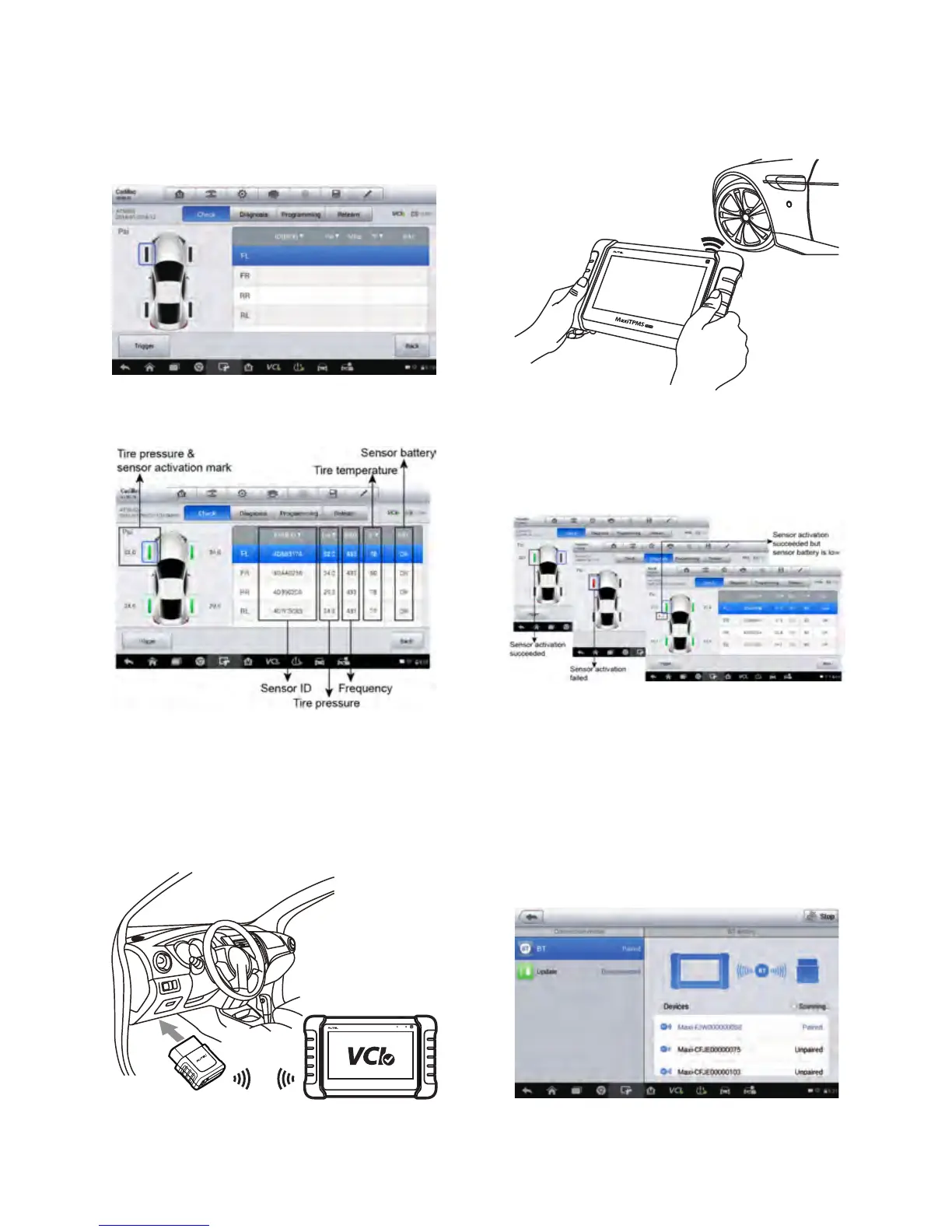
STEP 1. Check Sensor
Check Sensor Menu
Sensor Status Sensor Activation Result
Pair the tablet with the VCI mini
by Bluetooth.
Plug VCI mini into the vehicle
OBD port.
Hold the tablet close to the tire sidewall
right above the sensor. Press Trigger to
activate the sensor.
STEP 2. TPMS Diagnose
One click for complete TPMS health diagnose: read sensor ID from ECU, check
sensor ID matching condition, read DTCs from TPMS ECU and clear DTCs.
Trigger sensors to check sensor status: sensor IDs, temperature, pressure,
battery condition.















 To Next Page