5
Tips for Product Installation
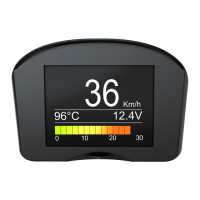
The vehicle dash-board should be clean, if there is wax
on it, the double adhesive panel may not be pasted on
it, please clean it with a hot towel and then start
installation. When you install, heat the instrument panel
by hot blowing air, which can make the best achieve
effect.
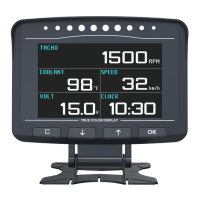
Press “↑” or button to switch display working interface.“↓”
Product Function Settings
Display Interface Switch
6
Each display interface content can be arbitrarily configured.
Instrument Content Configuration
Back to display interface,press “OK” button to enter
system menu, choose display setting to enter
instrument type setting, then enter the editing state.
Press “ ” or “ ” to edit, press “OK” button to confirm.↓ ↑


 To Next Page