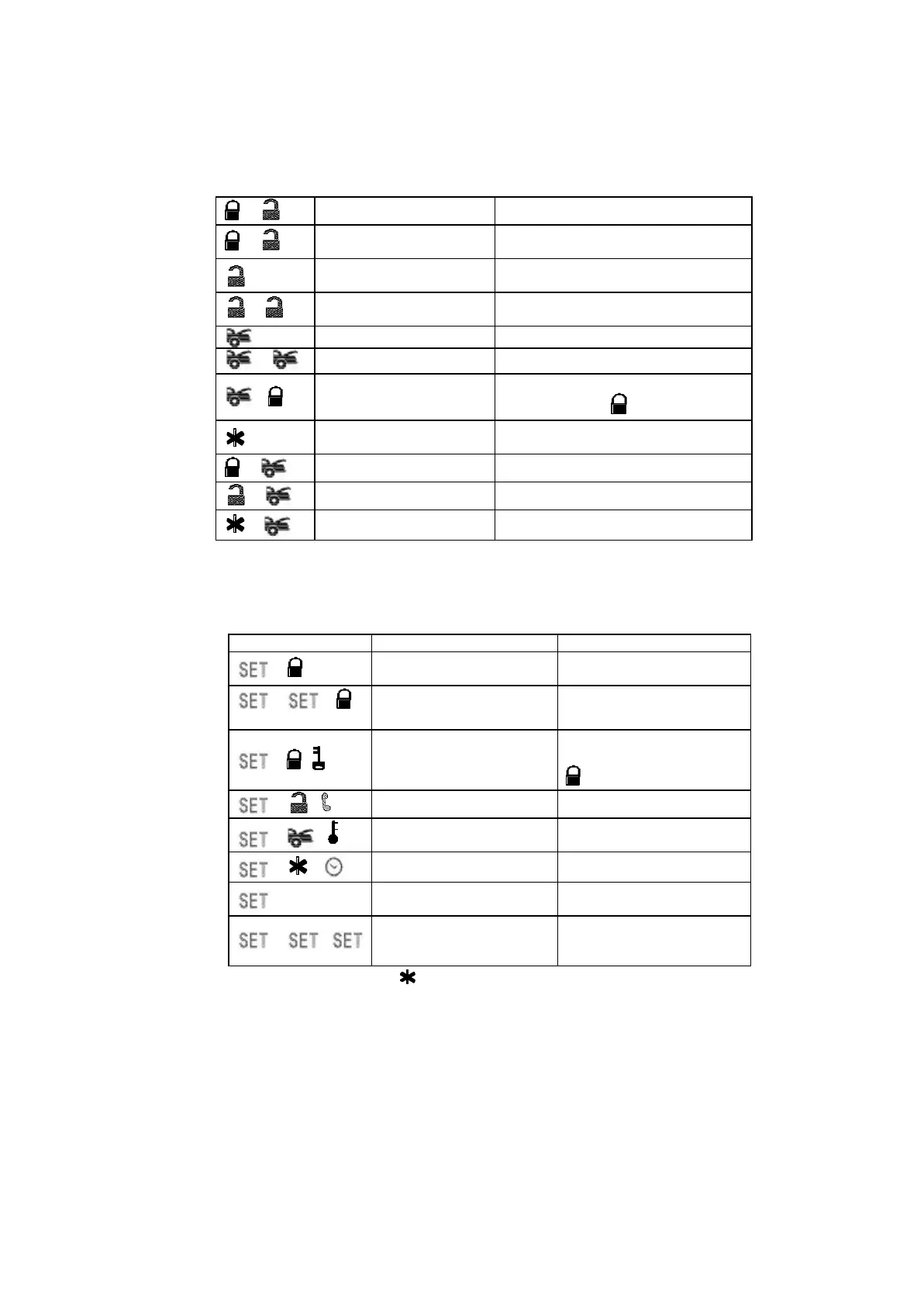
12
+
Silent Arming / Disarming Ignition in "off" position.
+
Active Anti Car-Jacking
Mode
Ignition in "on" position press and hold for
2 seconds
Unlock Doors & Disarm
System
-
Two Steps Door Unlock &
Disarm System
Press twice within 3 seconds.
Trunk Release (Channel 3) Press and Hold for 2 seconds
-
Passive Arming By-pass While the system Disarmed.
-
Arm System and Hidden
Alarm Function
Under disarm mode, press within 3
seconds and Hold button
Activate or Turn Off The
Remote Start
Press twice within 3 seconds.
+
Channel # 4 Timer Output (4)
+
Channel # 5 Timer Output (5)
+
Channel # 6 Timer Output (6)
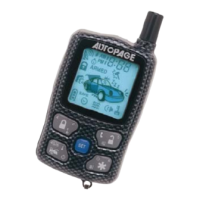
LCD DISPLAY TRANSMITTER OPERATION ONLY:
Transmitter Button System Function Remark
- (C)
System’s Trigger Record
Check
Press within 3 seconds
- -
(C)
System’s Status Check Press within 3 seconds
- ( )
Button Lock
Press within 3 seconds and
Hold
button for 2 seconds
- ( )
Optional Driving Pager Press within 3 seconds
- ( )
Monitor Indoor Temperature Press within 3 seconds
- ( )
Daily Timer Start Press within 3 seconds
LCD screen lamp turns on for
5 seconds.
Press and hold for 1 second
- -
Clear the Flash Icon and
Melody Sound on the LCD
Screen Transmitter
Press within 3 seconds
Warning: Press the button two times when the battery
compartment is empty, then insert the new battery.
B. BUTTON LOCK:
It is useful if you want to disable the transmission function of the remote
control temporarily to prevent from any inadvertent pressing of buttons by
others.


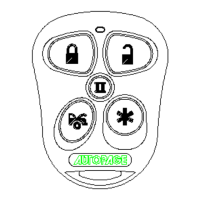
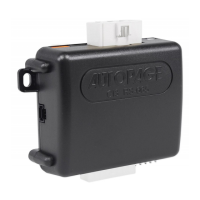
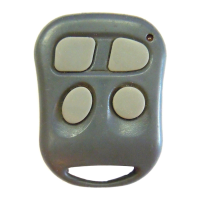

 To Next Page