13
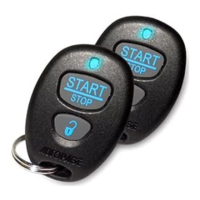
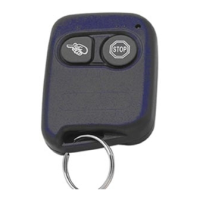
1. The XT-85s Standard transmitter:
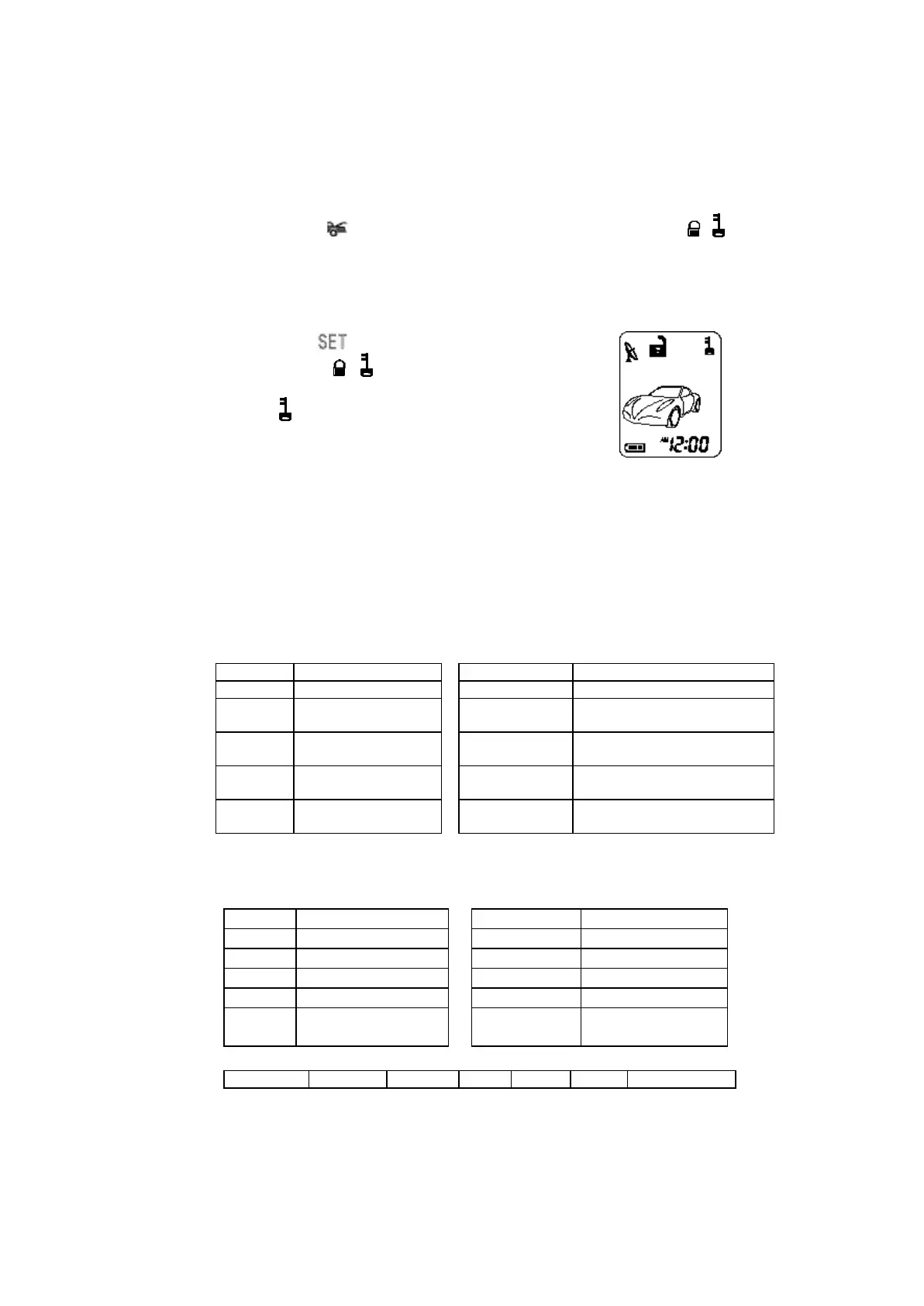
Press the button first, within 3 seconds press and hold the ( )
button for 2 seconds to activate or cancel the button lock function. The “Red
LED” will pause flash for few seconds to indicate the remote control
transmitter is on “Button Lock” mode when pressing the transmitter button.
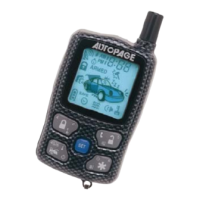
2. The 2-way LCD transmitter:
Press the button first, within 3 seconds press
and hold the
( ) button for 2 seconds to activate
or cancel the button lock function.
The icon will be displayed on the LCD screen to
confirm that the LCD remote transmitter is in the
“Button Lock” mode.
C. LED display:
LED Function
LED Function
Off Disarmed
Zone 1 / Warn-Away Trigger
Slow
Flash
Armed
2 flashes...
pause
Zone 2 / Trigger on Trunk/Hood
Flash Passive Starter Disable
3 flashes...
pause
Zone 3 / Trigger on Door Switch
Fast Flash
Passive Arming
4 flashes...
pause
Zone 4 / Trigger on Shock
Sensor
On (Solid)
Valet Mode
5 flashes...
pause
Zone 5 / Trigger on Ignition
Switch
D. CHIRP INDICATORS: E. PARKING LIGHT:
Chirp Function
Parking light
Function
1 chirp Arm
1 flash Arm
2 chirps
Disarm
2 flashes Disarm
3 chirps
Defective Reminder
3 flashes Disarm / Triggered
4 chirps
Disarm / Triggered
12 flashes Car Locator
6 chirps
Car Locator
Constant On Under Remote
Start
F. ALARM OPERATING CONDITION:
Siren / Horn
Parking LED Doors Starter
Dome Light



 To Next Page