8
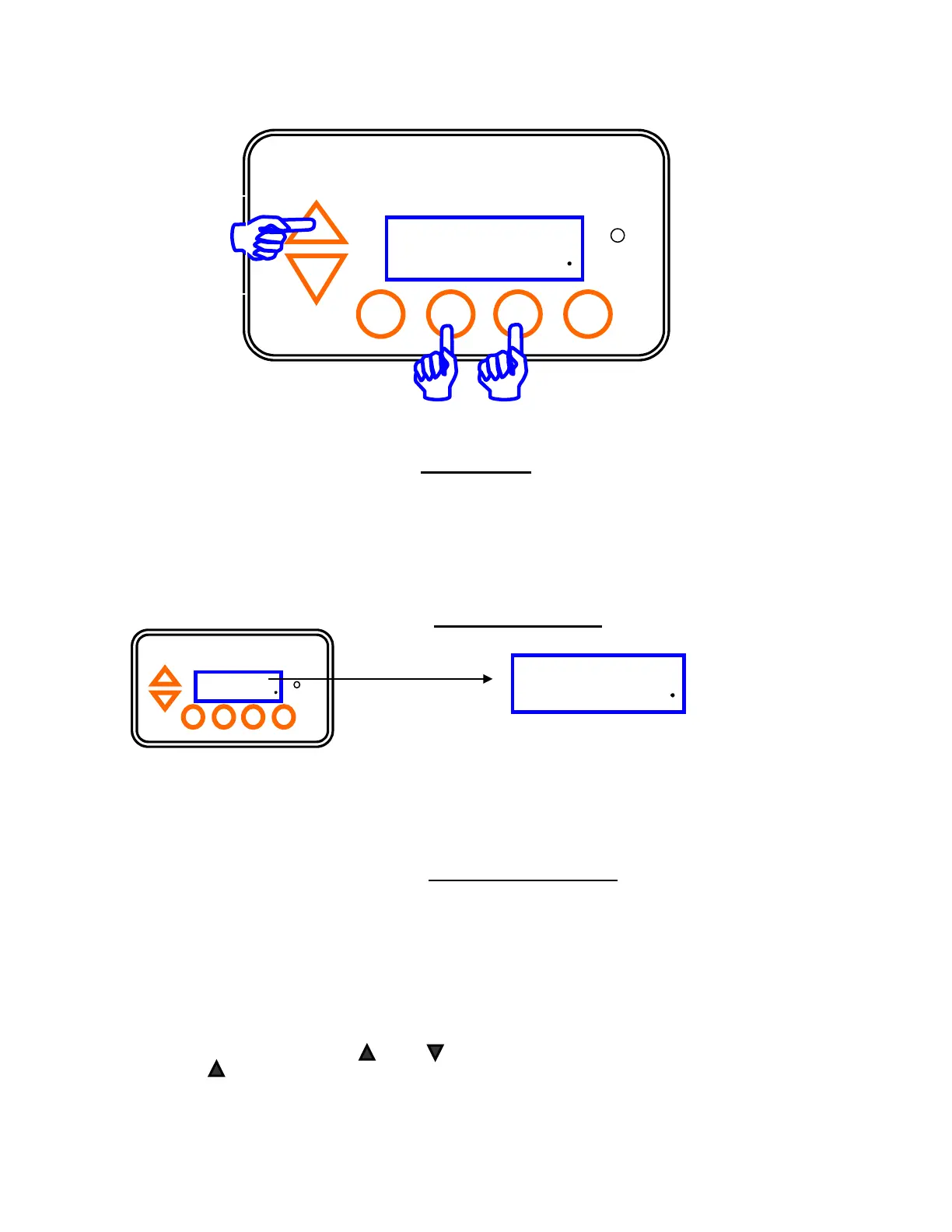
The MENU Button allows you
to enter the programming and
monitoring functions.
Press the SELECT button to
choose the menu display.
Section 3a – OPERATION Key Features – con’t
D i g i t a l
P u r i f i e r
100%
12:00P 80F
ON Check
System
Boost Menu
Select
Pump
Main Menu
1.0 Test Pool Pilot for system diagnostics
2.0 Owner Options for pool owner to change display preferences, time of day and time clock on/off periods
3.0 Maintenance Menu for maintenance diagnostics, service procedures, and calibration
4.0 Installer Menu for installer and initial programming inputs
5.0 Exit Menu Mode returns to normal operation
1.0 TEST POOL PILOT
The display will automatically cycle through this program, then return to normal operation. The display shows as follows:
1.1 Salt in parts per million (PPM) or grams per liter (g/l)
1.2 Add Salt indicates the amount of salt needed to add to establish 3000 ppm (3,0 g/l) based upon pool volume
1.3 Temperature in Fahrenheit or Celsius
1.4 Cell Volts and Amps
2.0 OWNER OPTIONS
Use UP/DOWN ARROW to scroll through sub-menu and SELECT to choose function:
2.1 English/Metric: displays volume in gallons or cubic meters; salt additions in lbs or kg; Back – Main Menu (2.0)
2.2 Temperature Units: displays the water temperature in Fahrenheit or Celsius; Back - Main Menu (2.0)
2.3 12/24-hour Time: displays the current time in 12-hour Time or 24-hour Time units; Back – Main Menu (2.0)
2.4 Set Time of Day: sets the time as follows: Set Hours; Set Minutes
2.5 *Pump Program 1: allows you to program the pump on/off cycle through the on-board program
2.6 *Pump Program 2: allows you to program a secondary pump on/off cycle through the on-board program
* Only applicable with Pump Config. (4.6) selection of One-Speed Pump or Two-Speed Pump
* Pump Program 1 or 2 will show the previous time set. Otherwise, Not Programmed will display,
then automatically step to display -Prog. -Delete SELECT-No Change
Selecting -Prog steps to Pump ON at Set Hours “12”:00 P; Pump ON at Set Mins 12:“00” P
then Pump OFF at Set Hours “12”:00 P; Pump OFF at Set Mins 12:“00” P
2.7 Back – Main Menu (returns to MAIN MENU)
Press the UP/DOWN
ARROW to scroll
through the Main
menu and Sub-menu:
Purifier 100%
12:00 P 80F ON
Boost Menu Select Pump



 To Next Page