15 Software version display menu
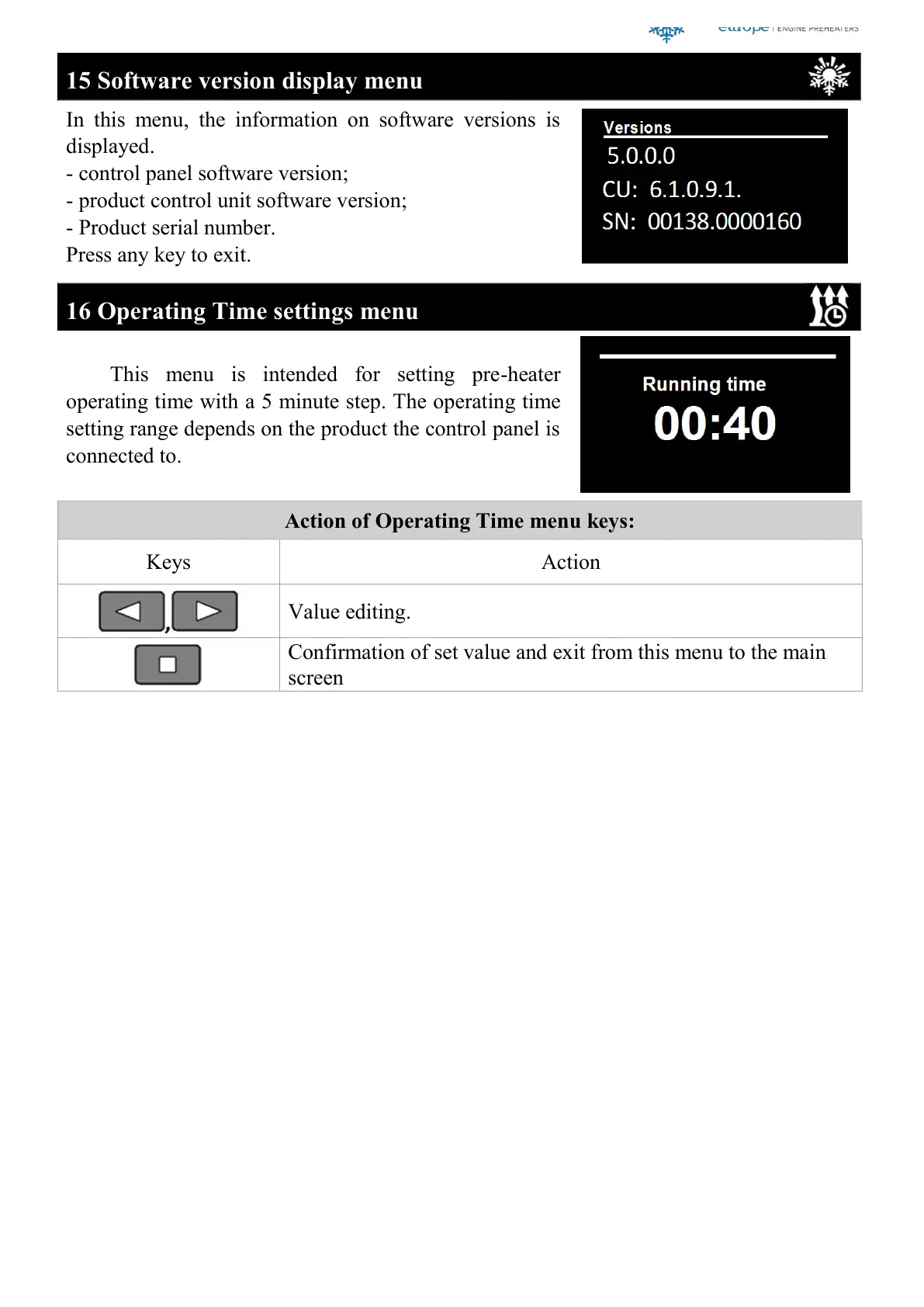
In this menu, the information on software versions is
displayed.
- control panel software version;
- product control unit software version;
- Product serial number.
Press any key to exit.
16 Operating Time settings menu
This menu is intended for setting pre-heater
operating time with a 5 minute step. The operating time
setting range depends on the product the control panel is
connected to.
Action of Operating Time menu keys:
Confirmation of set value and exit from this menu to the main
screen
More information https://www.caravansplus.com.au



 To Next Page
 Loading...