20
Replacing the FiltersReplacing the FiltersReplacing the Filters
2. Open the cabinet door.
3. Remove the included 5 gallon water bottle from the cabinet.
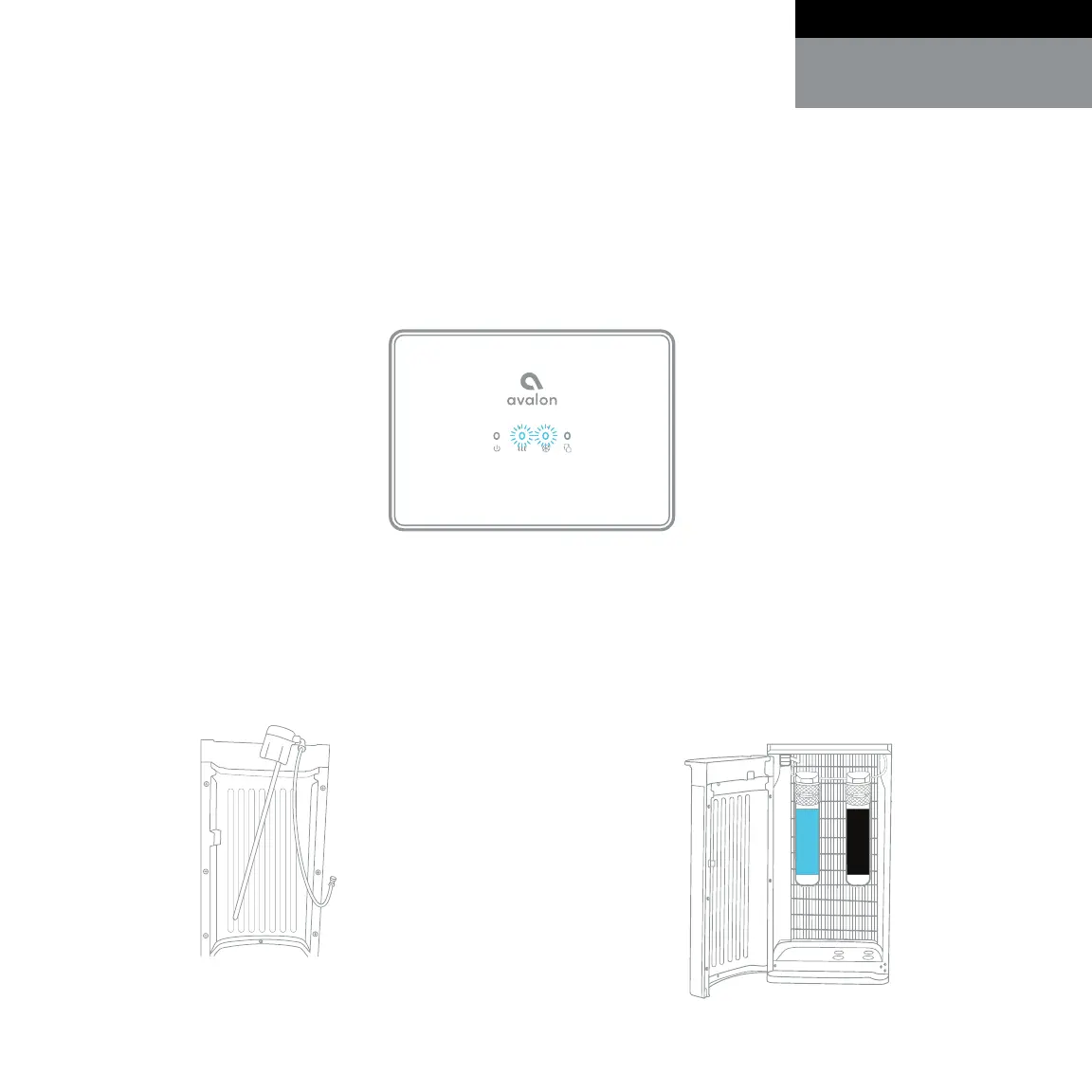
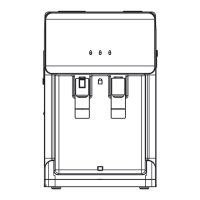
1. When the lifetime of the filters are near their end, either by means of water flow or by
means of 6 months time, the Heating (#2) and Cooling (#3) indicator lights on the front panel
will blink as a warning. They will continue to blink until the filters are replaced and reset. You
may also notice that the water stops pumping until the filters are replaced.
4. Remove the probe assembly from
inside the 5 gallon water bottle and
hang it on the probe hanger.
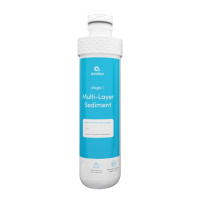
5. Twist the expired filters to remove
them. Insert the new filters into the Filter
Adapters by twisting them into place
and rotating them clockwise.
FILTER RESET
Multi-Layer
Sediment
Carbon
Block
Replace Filters
User Guide and Maintenance
English


 To Next Page