User Manual
ENSEMBLE
13
Advanced Features
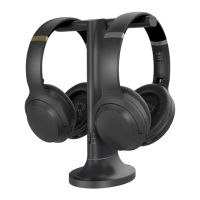
You can add a second pair of Ensemble headphones (AS50) to your setup
while maintaining low latency.
STEP 1
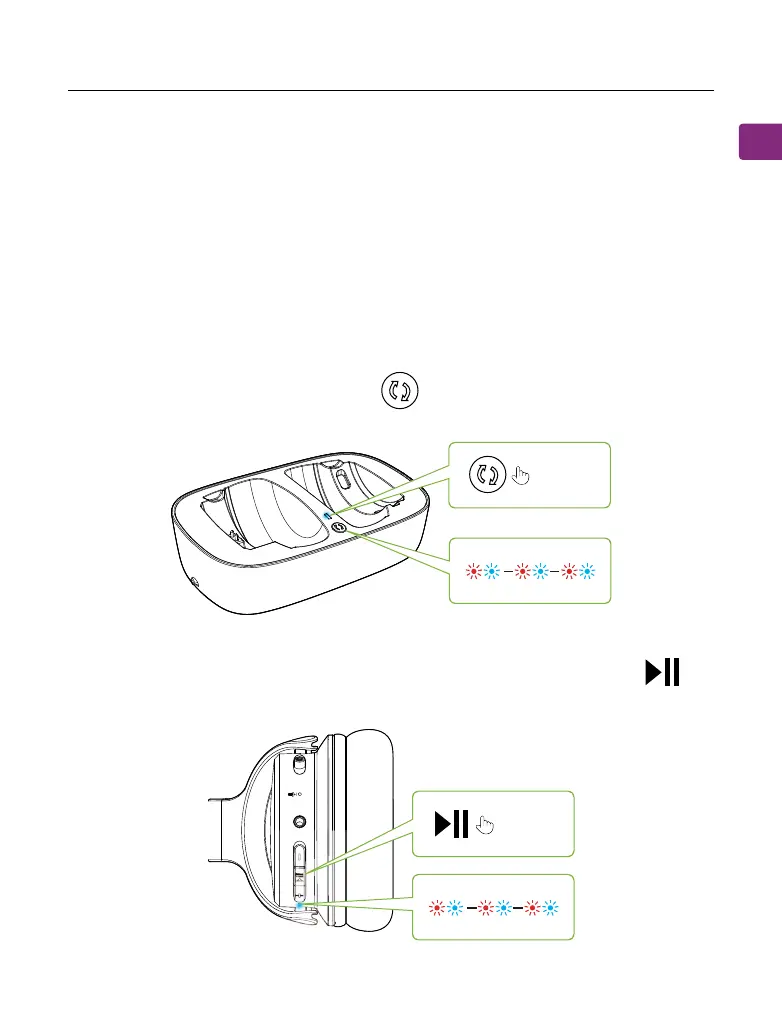
Make sure your original Ensemble headphones & transmitter have connected.
STEP 2
On your transmitter, press & hold the button until the LED indicator
ashes red & blue.
STEP 3
Turn on your second pair of AS50 headphones, then press & hold the
button until the LED indicator ashes red & blue.
Adding a Second Pair of Headphones
hold for 5s
ON
hold for 5s


 To Next Page