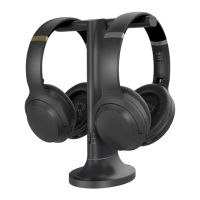
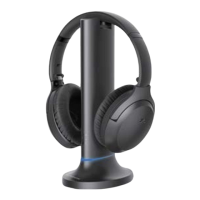
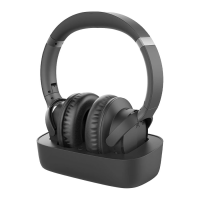
User Manual
ENSEMBLE
7
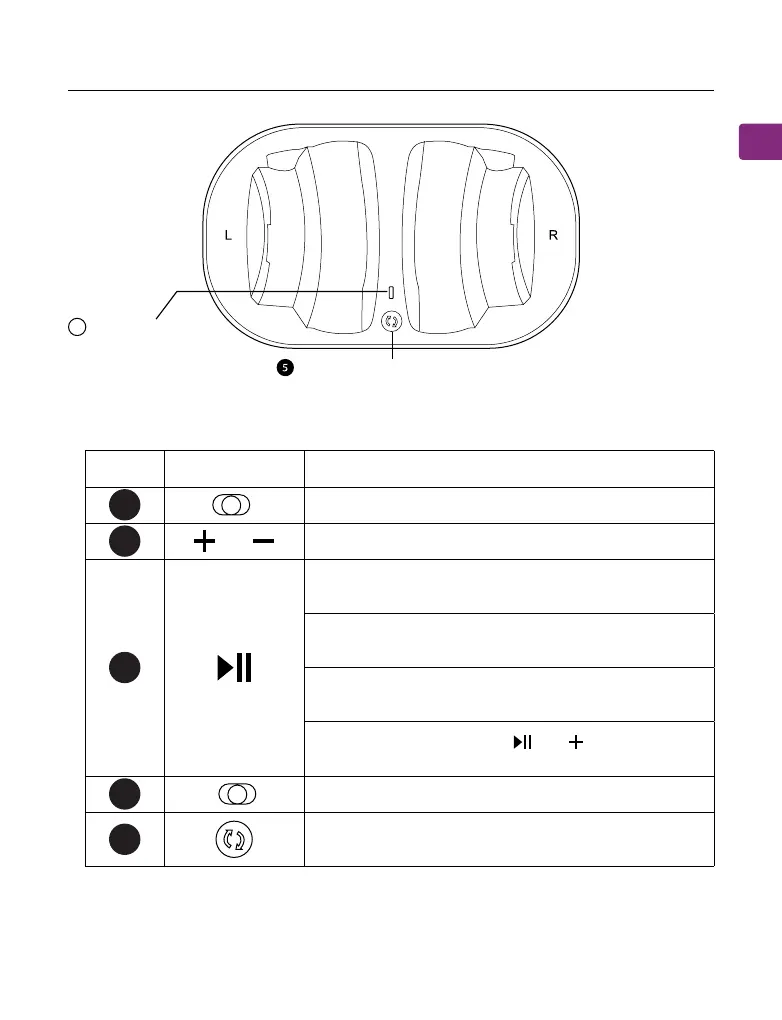
No. Button Function
Switch to turn the headphones on / o
Press or hold to adjust volume
If headphones fail to auto-connect to transmitter,
press once to activate reconnection
Press & hold for 5 seconds to place the headphones
into pairing mode
Press once to play / pause audio (when used
separately withphone / tablet)
Press & hold both buttons and to switch
between clear voice and balanced sound mode
Switch to turn the transmitter on / o
Press & hold for 5 seconds to place the transmitter
into pairing mode
Button Functions
33
44
22
11
5
OFF ON
/
OFFON
B
Multifunctional button(MFB)
LED Indicator


 To Next Page