User Manual
ENSEMBLE
14
EN
STEP 4
Once connected, the headphones’ & transmitter’s LED indicators will turn
solid blue.
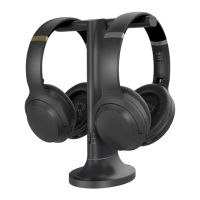
For subsequent use, please turn the original pair of Ensemble headphones on
rst. Once that’s connected to the transmitter, you can turn on your second
pair of AS50 headphones and wait for a few seconds. If it fails to reconnect,
press the button once to activate reconnection.
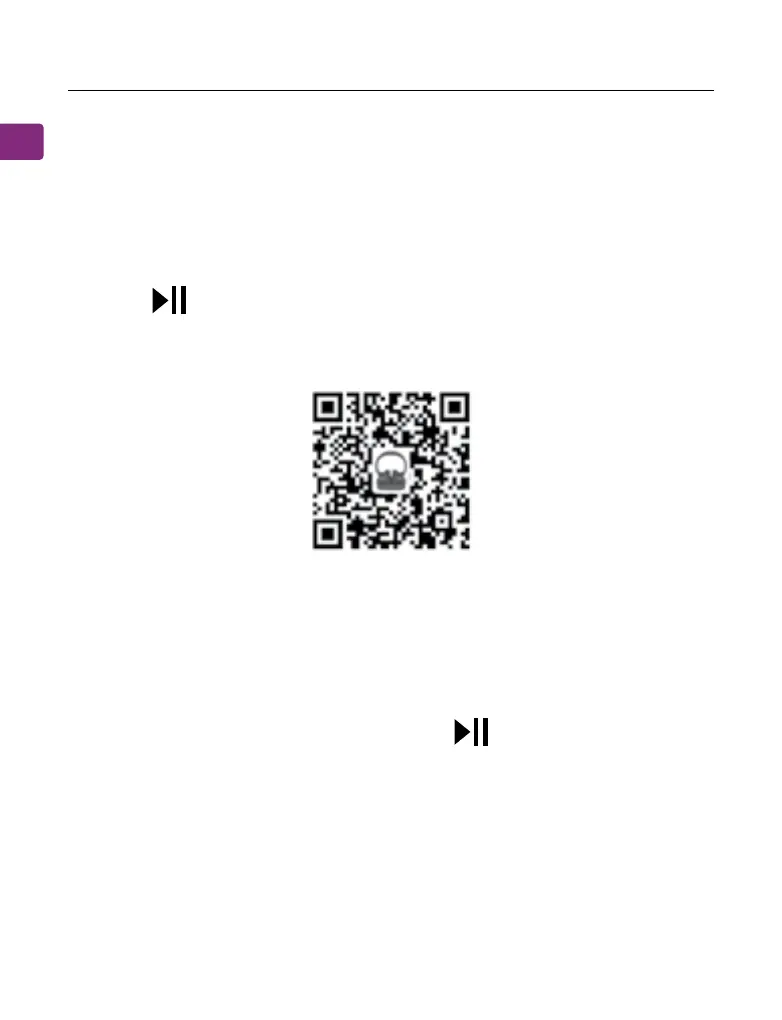
To purchase AS50 headphones, scan the QR code
STEP 1
Turn OFF or unplug the transmitter.
STEP 2
Turn on the headphones and press & hold the button until the LED
indicator ashes red & blue.
STEP 3
Turn on your audio source’s Bluetooth and select “Avantree AS50” from the
Bluetooth menu.
Using the Headphones with Your Phone/Tablet


 To Next Page