Charging Headphones & Powering Transmitter
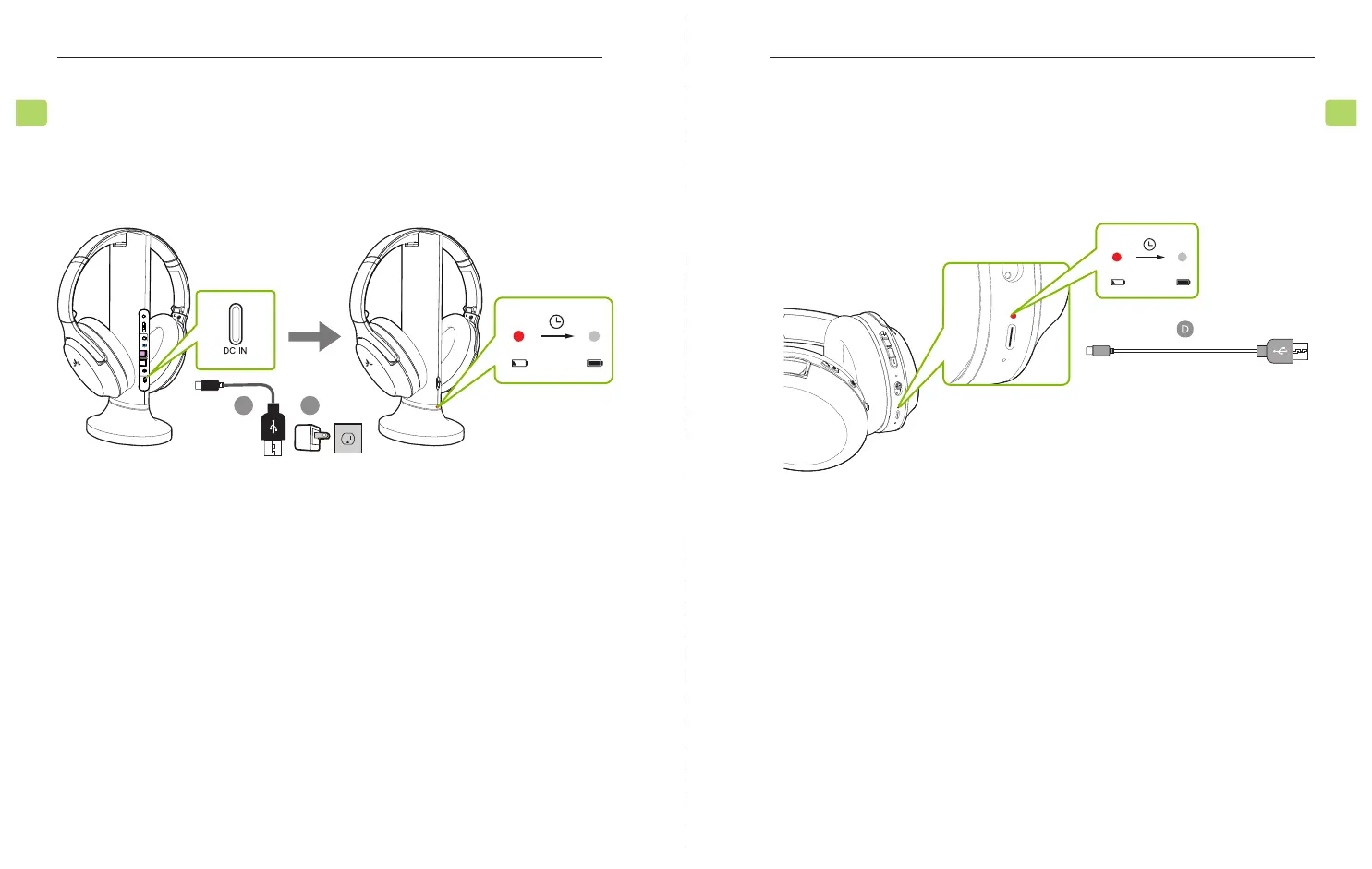
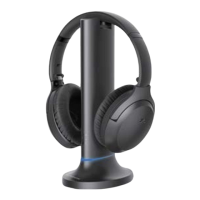
Simply put the headphone back to the charging dock to recharge them. The charging dock
front LED turn red while charging, and o once charging complete.
OPTION 1
LOCK
AUX
AUX
DC IN
OPT
OPT
MIC
AUX
OPT
MIC
Input From TV Bypass Output To Speaker
C H
OPERA
Quick Start Guide
6
EN
You can also charge the headphones through their power ports using the USB C
charging cable (Figure D) and a USB adapter. A solid red light indicates that charging is
in progress; once the light turns o, your headphones will be at full battery.
The transmitter does not require charging. However, it must be connected to a power
source via the provided power cables (Figure C) in order to function. Plug transmitter
into either a nearby wall outlet or TV’s USB power port.
OPTION 2
OPERA
Quick Start Guide
7
EN



 To Next Page