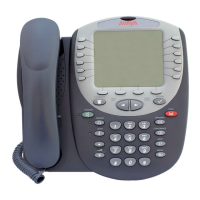
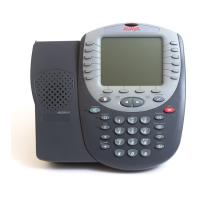
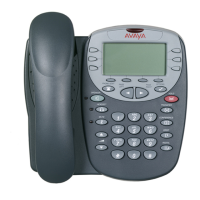
4610/5610 Phone Page 32
15-601124 Issue 05a (16 July 2009)IP Office
4.5 Turning a Log Entry into a Speed Dial
To turn a log entry into a speed dial:
1. Locate the log entry in which you are interested from Missed, InAns or Outgo.
2. Press or adjacent to the entry.
3. Press Add to SD. The screens for editing and adding speed dials will appear, pre-filled with the information
from the log entry. Edit the details if required (see Adding a New Speed Dial ).
4. Press Save or Cancel.
You will be returned to the speed dial selection menu.
4.6 Deleting an Individual Log Entry
To delete an individual log entry:
1. Press Log.
2. Locate the log entry in which you are interested from Missed, InAns or Outgo.
3. Press the key adjacent to it.
4. Press Delete twice.
To return to the call log without deleting the log entry, press Cancel.
4.7 Deleting All Entries from a Log
To delete all entries from a log:
1. Press Log.
2. To select the log, press Missed, InAns or Outgo.
3. Press DeleteAll.
4. To delete the log entries, select Delete.
To return to the call log without deleting the log entries, press Cancel.
4.8 Exiting the Call Logs
· Press PHONE/EXIT.
26


 To Next Page