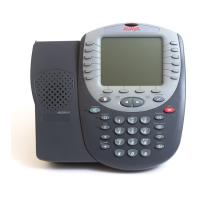
4610/5610 Phone Page 34
15-601124 Issue 05a (16 July 2009)IP Office
5. Using Visual Voice
5.1 Overview of Visual Voice
Visual Voice gives you access to your mailbox using softkeys and, by using the associated feature keys, a more user-
friendly option control.
Visual Voice is accessed by pressing Voice and then selecting from the displayed options:
· Listen - You can have direct access to your voicemail.
· Message - You can leave a message directly in a mailbox you specify.
· Greeting - You can listen to, change or delete your greeting message.
· Password - You can change your voicemail password
· Email - You can view or change your email alert status;
· <Group> - You can have direct access to voicemails for any group you are a member of; if you are the Group
Mailbox Administrator.
Note
· The email option is only available if VoiceMail Pro is installed, and Voicemail Email has been configured for you.


 To Next Page