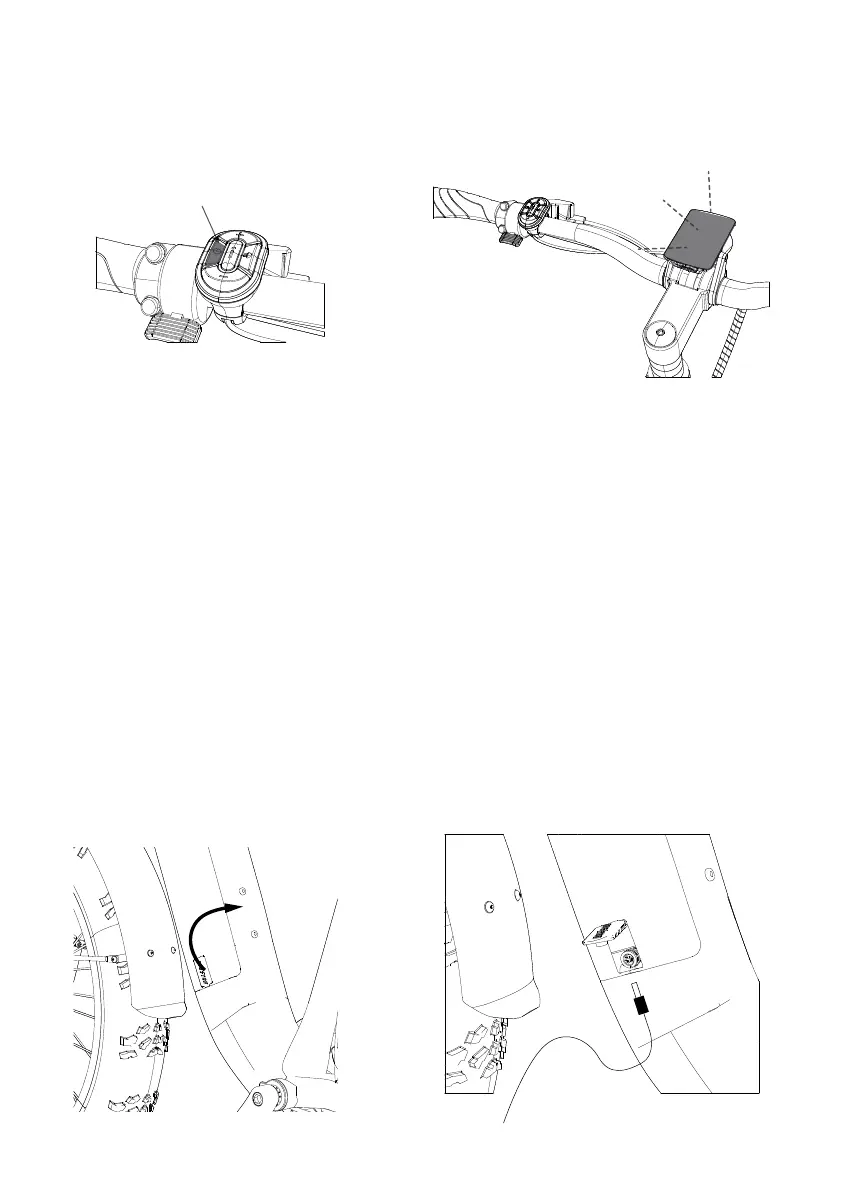
Power ON/OFF Button
Step 14: Powering on the display.
A. Press the power button for about 3 seconds
To turn on the display.
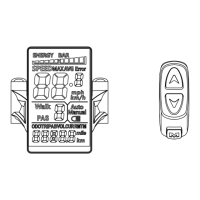
B. For more details, please refer to the BC280 operating
manual.
16
BATTERY CHARGING
Charging Procedure
Follow these steps for charging your ebike battery from Aventon Bikes:
1. Ensure the battery is o.
2. Remove the rubber cover on the charging port.
3. Plug the charger into the battery's charging port, BEFORE PLUGGING CHARGER INTO POWER OUTLET.
With the battery on or o the bike, place the charger.
in a flat, secure place, and connect the DC output plug from the charger (round barrel connector) to the
charging port on the side of the battery.
4. Plug the charger into a power outlet: Connect the charger input plug (110/240-volt plug) to the power
outlet. Charging should initiate and will be indicated by the LED charge status light on the charger
illuminating as red light.
5. Unplug the charger from the outlet, then the charging port: Once fully charged, indicated by one
charging indicator light turning green , unplug the charger from the wall outlet first and then remove the
charger output plug from the battery charging port.
Always charge your battery in temperatures between 50 °F – 77 °F (10 °C – 25 °C) and ensure the battery
and charger are not damaged before initiating charge. If you notice anything unusual while charging,
please discontinue charging and using the bike and contact Aventon Bikes Product Support for help.


 To Next Page