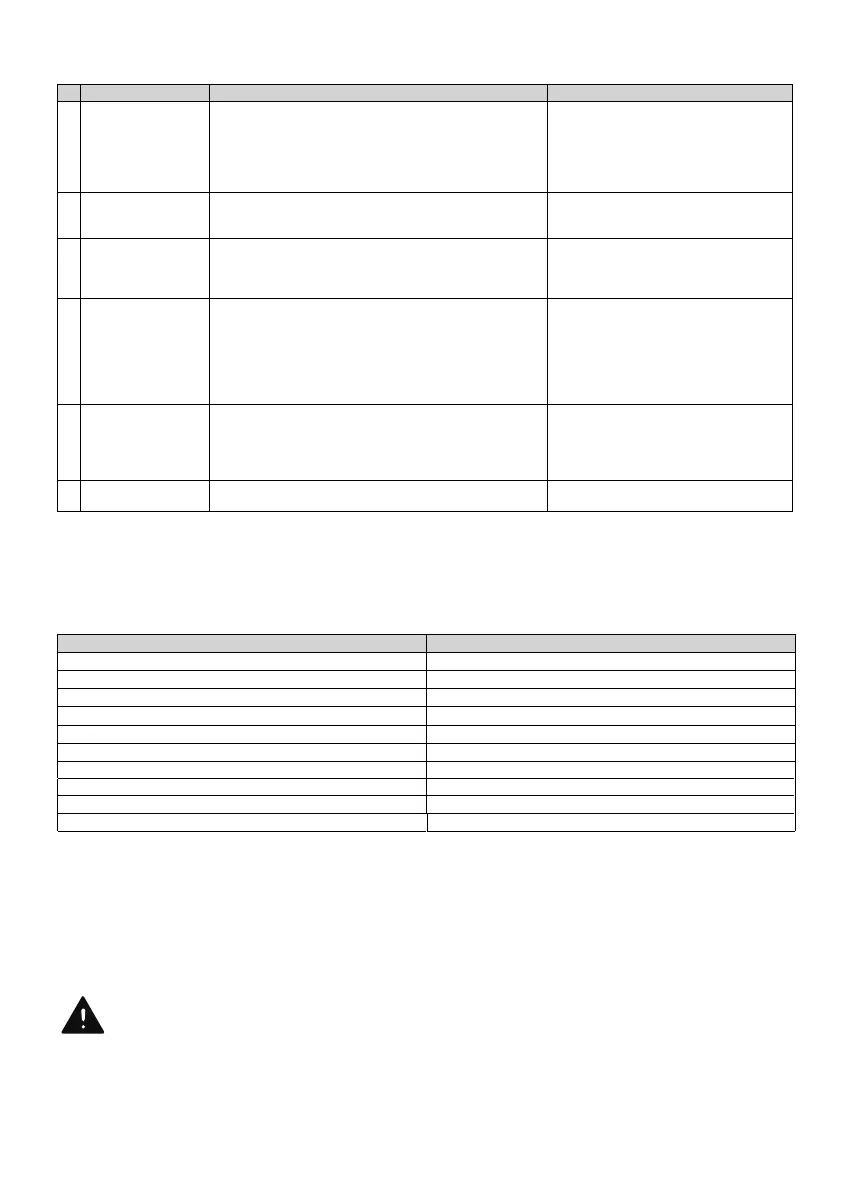
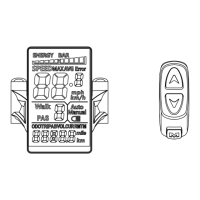
Your bike from Aventon Bikes is equipped with an error detection system integrated into the display and
controller. In the case of an electronic control system fault an error code should display. The following
error codes are the most common and can aid in troubleshooting. If your bike has an error code displayed
at any time it is recommended that you cease operation and contact Aventon Bikes immediately.
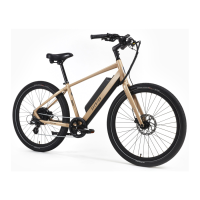
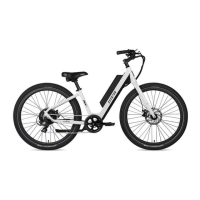
Components of Soltera 7 are subject to higher wear when compared to bikes without power
assistance. This is because Soltera 7 can travel at higher average speeds than regular bicycles and
has a greater weight. Higher wear is not a defect in the product and is not subject to warranty. Typical
components aected are the tires, brake pads and rotors, spokes, wheels, and the battery.
Error Detection
Additional Information on Wear
Brake Switch Fault or Brake Applied While Turning On
23
TROUBLE SHOOTING
When the useful life of a component is surpassed it can cause unexpected loss of function. This
can result in serious injuires or even death. Therefore, pay attention to characteristics such as
cracks, scratches, or changes in the color or operation of components which could indicate
useful life has been exceeded. Worn components should be replaced immediately. If you are
unfarmiliar with regular maintenance, a certified, reputable bike mechanic should be consulted.
Motor Lock Protection
Low Voltage Protection
Over Voltage Protection
Communication Fault
work
1. Insucient battery power
2. Faulty connections
3. Battery not fully seated in tray
4. Improper turn on sequence
5. Brakes are applied
2. Clean and repair connectors
3. Install battery correctly
4. Turn on bike with proper sequence
5. Disengage brakes
and/or reduced top
1. Insucient battery power
2. Loose or damaged throttle
3. Misaligned or damaged magnet ring
1. Charge or replace battery
2. Replace throttle
3. Align or replace magnet ring
respond when the
bike is powered on
2. Loose or damaged throttle
3. Loose or damaged motor plug wire
1. Repair and or reconnect
2. Tighten or replace
3. Secure or replace
2. Low or faulty battery
3. Driving with too many hills, headwind, braking, and/or
excessive load
4. Battery discharged for long period of time without
regular charges, aged, damaged
2. Check connections or charge battery
3. Assist with pedals or adjust route
4. Contact Product Support if range
decline persists
5. Adjust the brakes
charge
1. Charger not well connected
2. Charger damaged
3. Battery damaged
4. Wiring damaged
1. Adjust the connections
2. Replace
3. Replace
4. Repair or replace
Wheel or motor
makes strange noises
1. Loose or damaged wheel spokes or rim
2. Loose or damaged motor wiring
1. Tighten, repair, or replace
2. Reconnect or replace motor.


 To Next Page