16
[Tip] Shortcut of calling a preset location: press “P” > press number you want to recall, ex: 1.
[Teacher Mode]
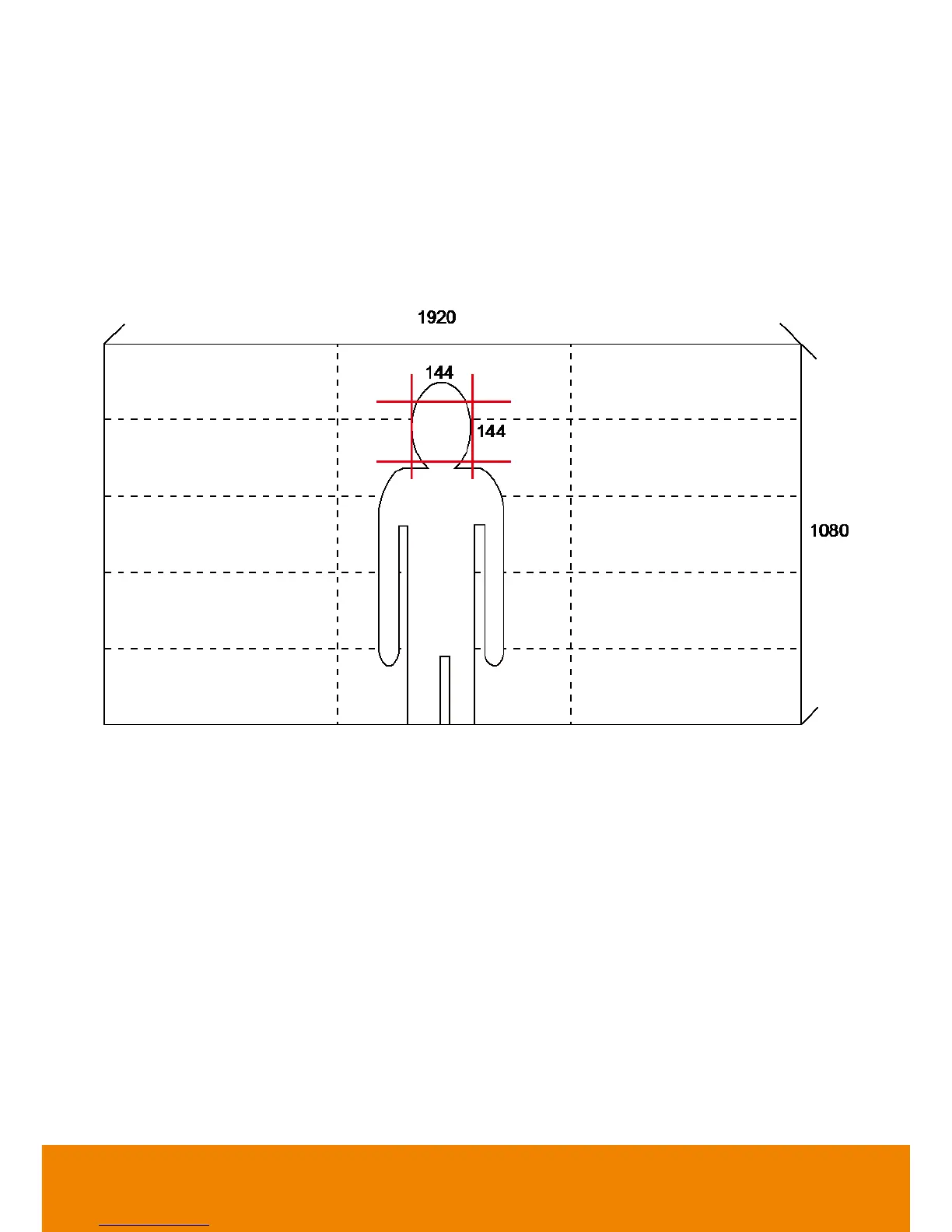
1. Please adjust the target proportion in preset1. Set the person proportion more than the illustration.
The photo shows the minimum request. If target proportion is smaller than the photo, it may cause
the tracking failure.
2. 2. When PTC500 starts to track, the target proportion in the screen will be defined by preset1
setting.
[Student Mode]
1. Please adjust view of preset1 as panoramic view.
2. Please adjust optical zoom to the minimum level (panoramic view).



 To Next Page