24
USING iPAD to SETUP PTC500
Tracking zone, shield zone, and student heights setting only can be setup by AcuControl app on iPad.
Setup can be divided to two modes – teacher and student mode and details will be described in
following.
Teacher Mode
Before setting, please make sure your iPad and PTC500 are connected (Refer to “Make a Connection
with iPad” section).
1. Connecting to PTC500 through AcuControl app (Refer to Make a Connection with iPad section).
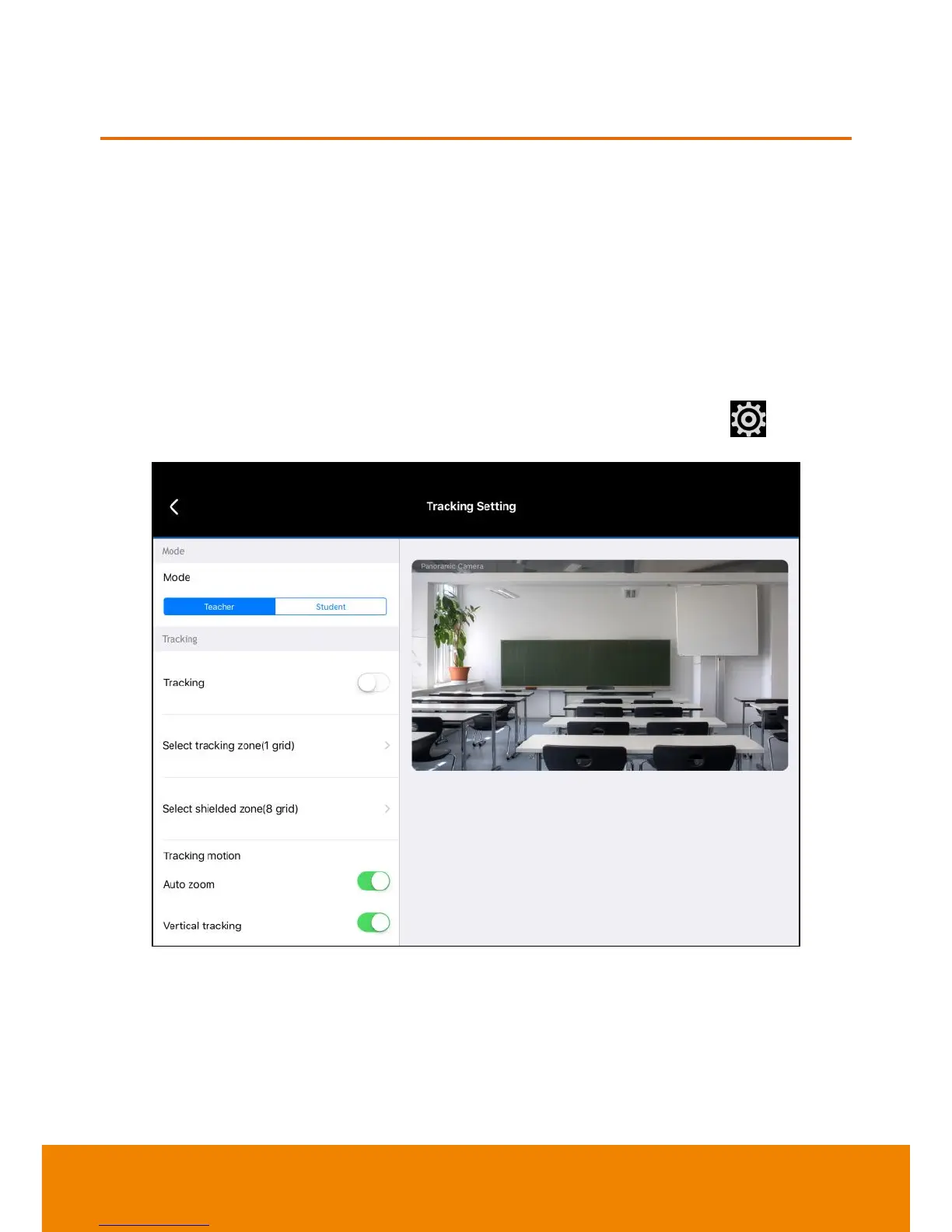
2. Before starting to setup PTC500, please turn off the tracking function. Select (settings) >
Tracking setting
>
Teacher
>
Tracking off
.
3. After completely all settings, remember to turn on the tracking function.



 To Next Page