25
Setup Preset Setting
Setup preset position.
[Note]
When setup preset position, the camera view is based on PTZ camera view.
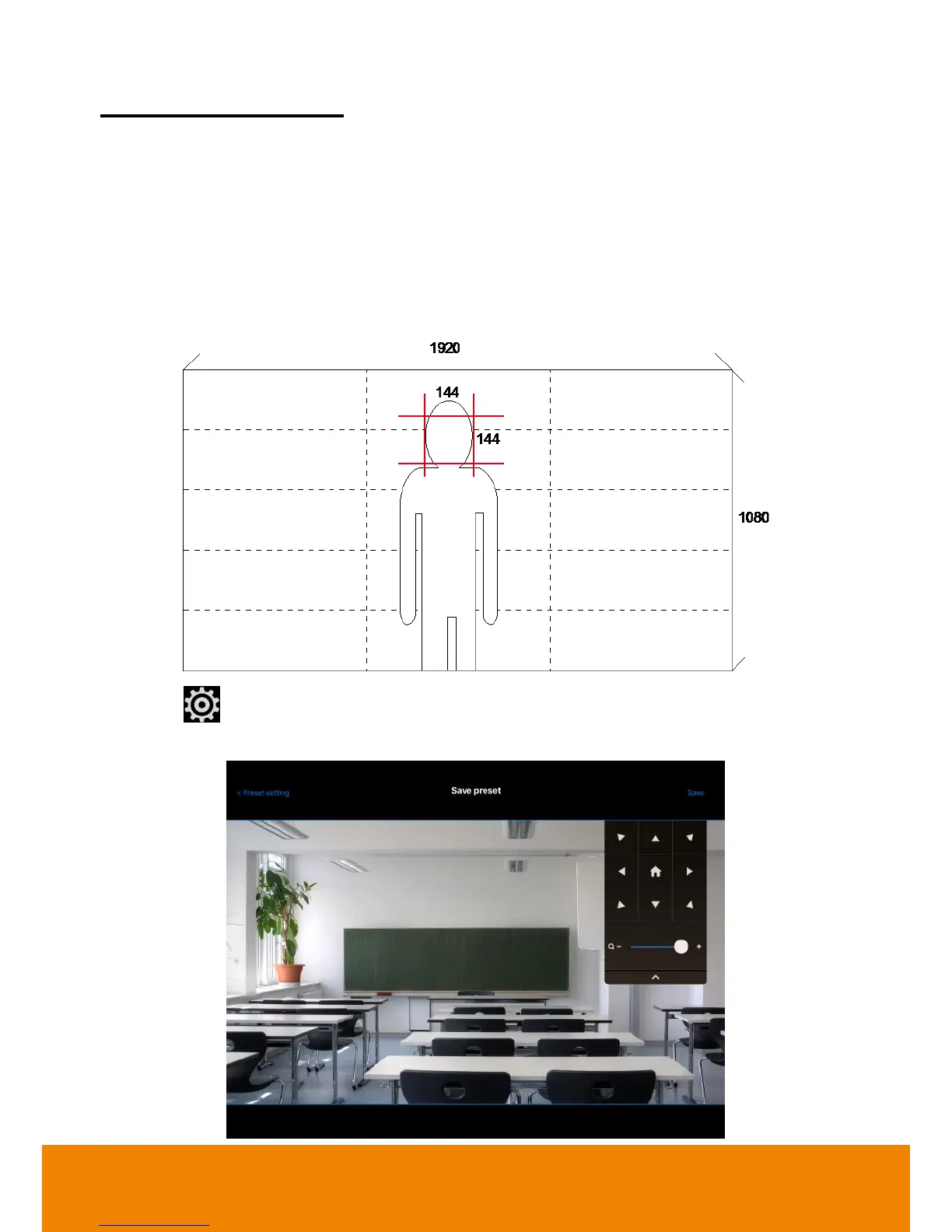
Please adjust the target proportion in preset1. Set the person proportion more than the illustration.
The photo shows the minimum request. If target proportion is smaller than the photo, it may cause
the tracking failure.
2. When PTC500 starts to track, the target proportion in the screen will be defined by preset1
setting.
1. Select (settings) >
Preset setting
.
2. Select “
Save preset
” to setup preset position.



 To Next Page