21
Make a Connection with iPad
User can uses iPad to setup tracking parameters of PTC500 (tracking zone area, shield zone
area…etc.); no need to connect PTC500 to monitor for setup.
1. Have “AcuControl” app installed on the iPad. The "AccuControl" is available in App store.
[Note] The AccuControl app only supports iPad 4(2012) or advance models.
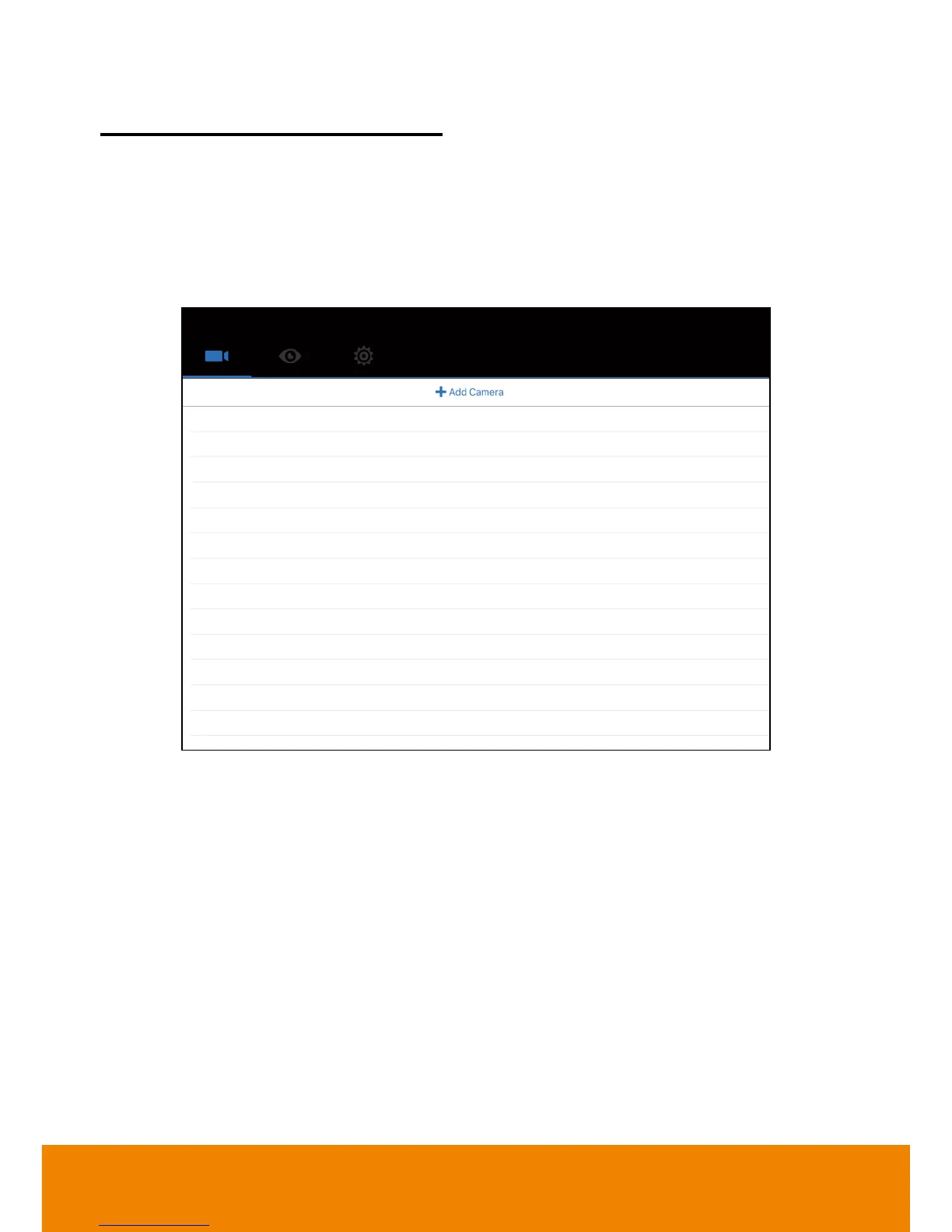
2. Run AcuControl on the iPad. Then, select “Add Camera”.
3. Enter the following information:
Client Name: Give a name of the camera for user to recognize on camera list.
Camera ID: The camera ID is shown on information section of PTC500 setup menu.
IP: Enter the IP address of PTC500. The IP address can be found on Information section of
PTC500 setup menu.
Port: Enter the port for communicating between PTC500 and iPad. Default is “80”.
Password: The password is used for authentication on PTC500. Default is “admin”.



 To Next Page