23
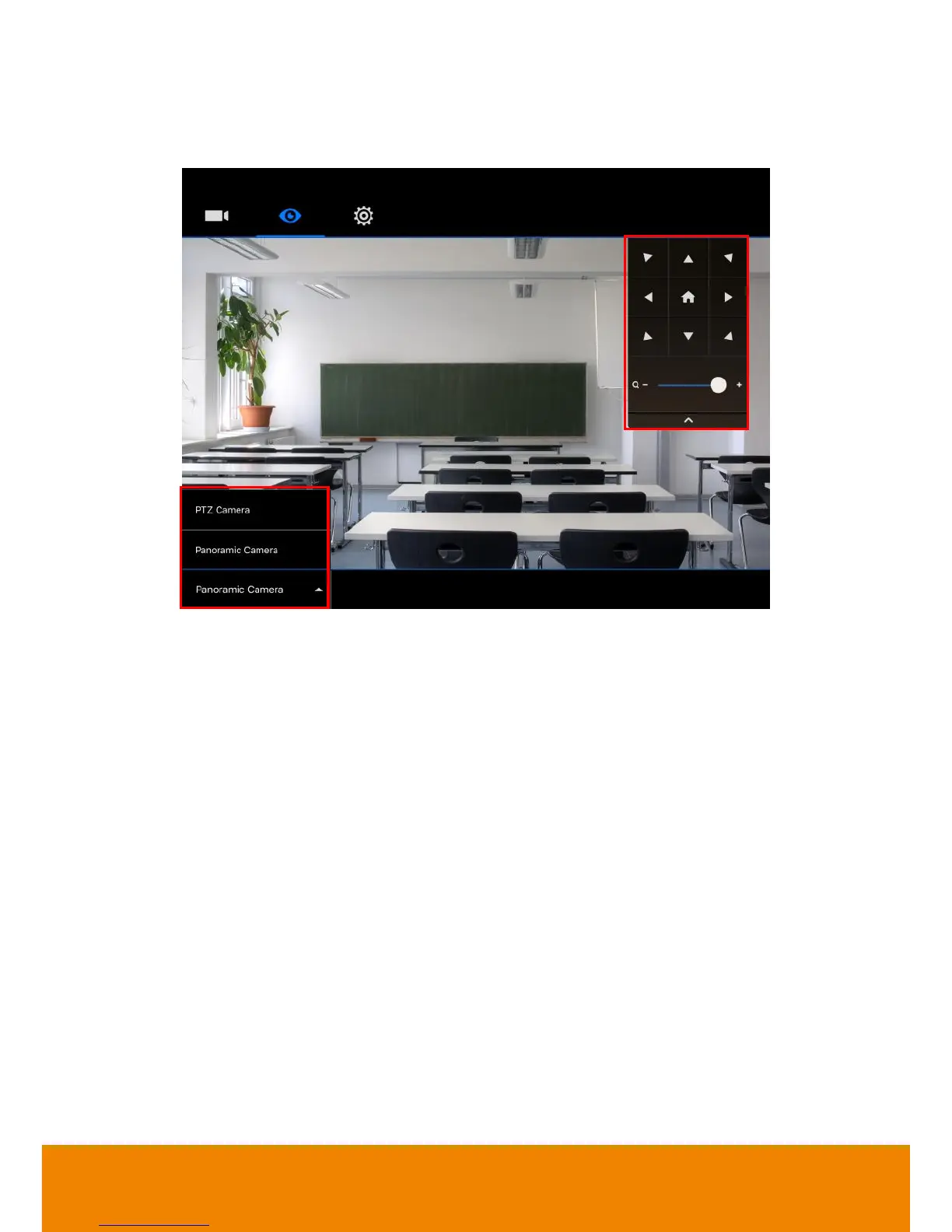
6. When connection is successful, user should see the image view of PTC500 on screen. In view
screen, user can use on-screen control panel to move camera view, zoom in/out, and switch
camera view between PTZ camera and panoramic camera view.
7. For detail of using iPad to setup PTC500, refer to “Using iPad to Setup PTC500” chapter.



 To Next Page