Classification: Avery Dennison – Public 3
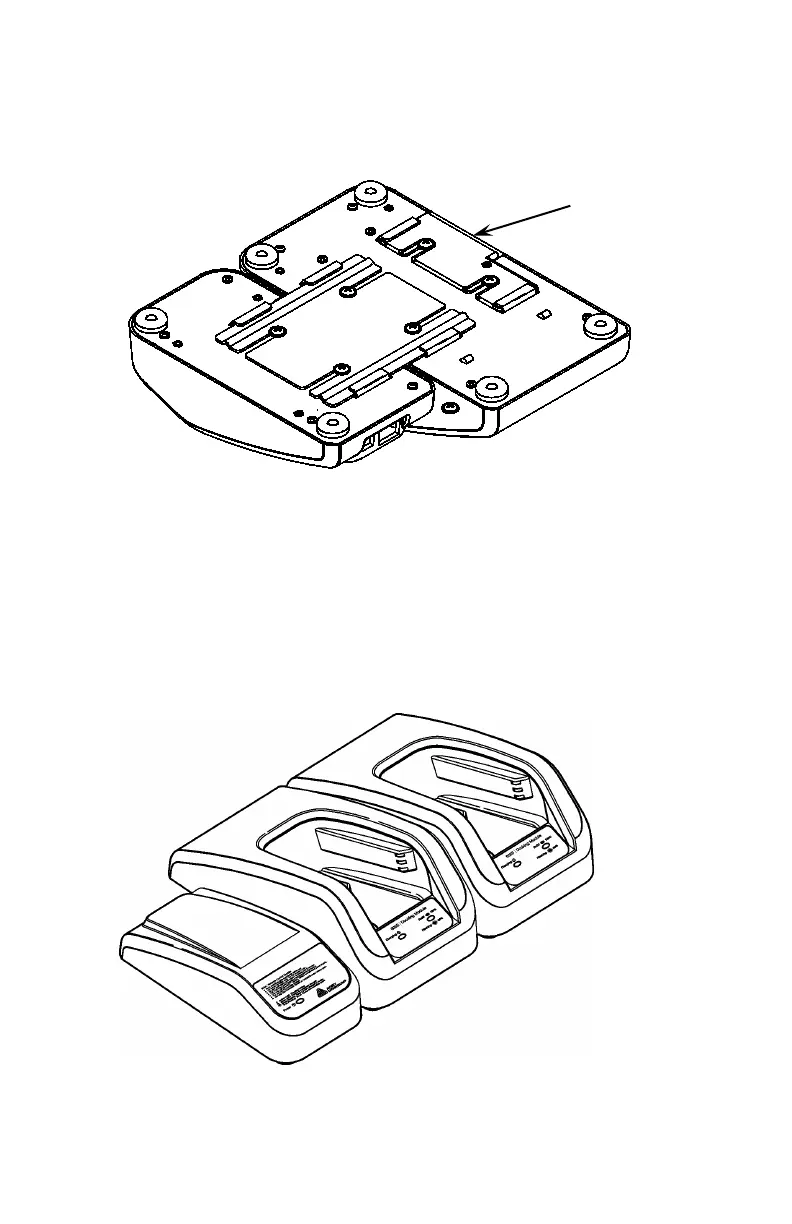
4. Loosen the two screws on the 6054 Network Control
Module and slide the 6054 Network Control Module
onto the Docking Module’s connector plate. Tighten
the screws.
5. Using a Philips screwdriver, attach the end cap to the
end of the 6055 Docking Module.
6. Carefully turn over the Network Control Module.
You can connect up to four Docking Modules with each
Network Control Module. Repeat steps 3 – 6 for each
additional Docking Module. Attach the end cap to the
final Docking Module.
Cap












 To Next Page