05/08 Rev. AB OPERATOR’S HANDBOOK Setup
9844/9854
2-7
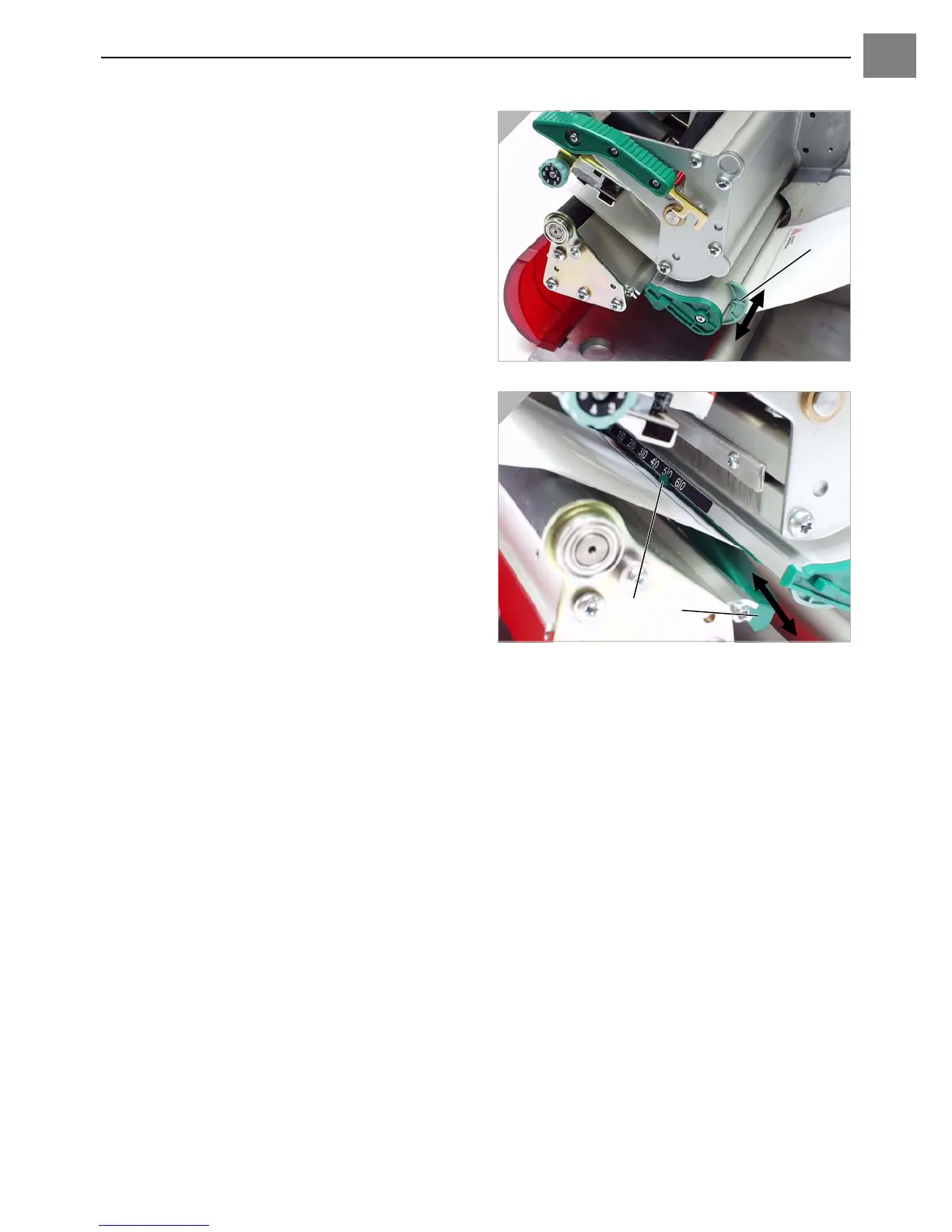
6. Push the material guide (5) up to the edge
of the material, without pinching the
material (Fig. 3).
7. Slide the light barrier fitting using the grip
(6) until the pointer (7) is located above the
material perforations (Fig. 4).
¯ The optional reflex sensor is located
5mm to the right of the pointer below the
material!
8. Thermodirect printing: Close the pressure
lever. Thermotransfer printing: See
“Loading Ribbon” to continue.
3
4













 To Next Page