2.3 Installing the Scanner Driver and Connecting the
Cables
2.3.1 Connecting to Power
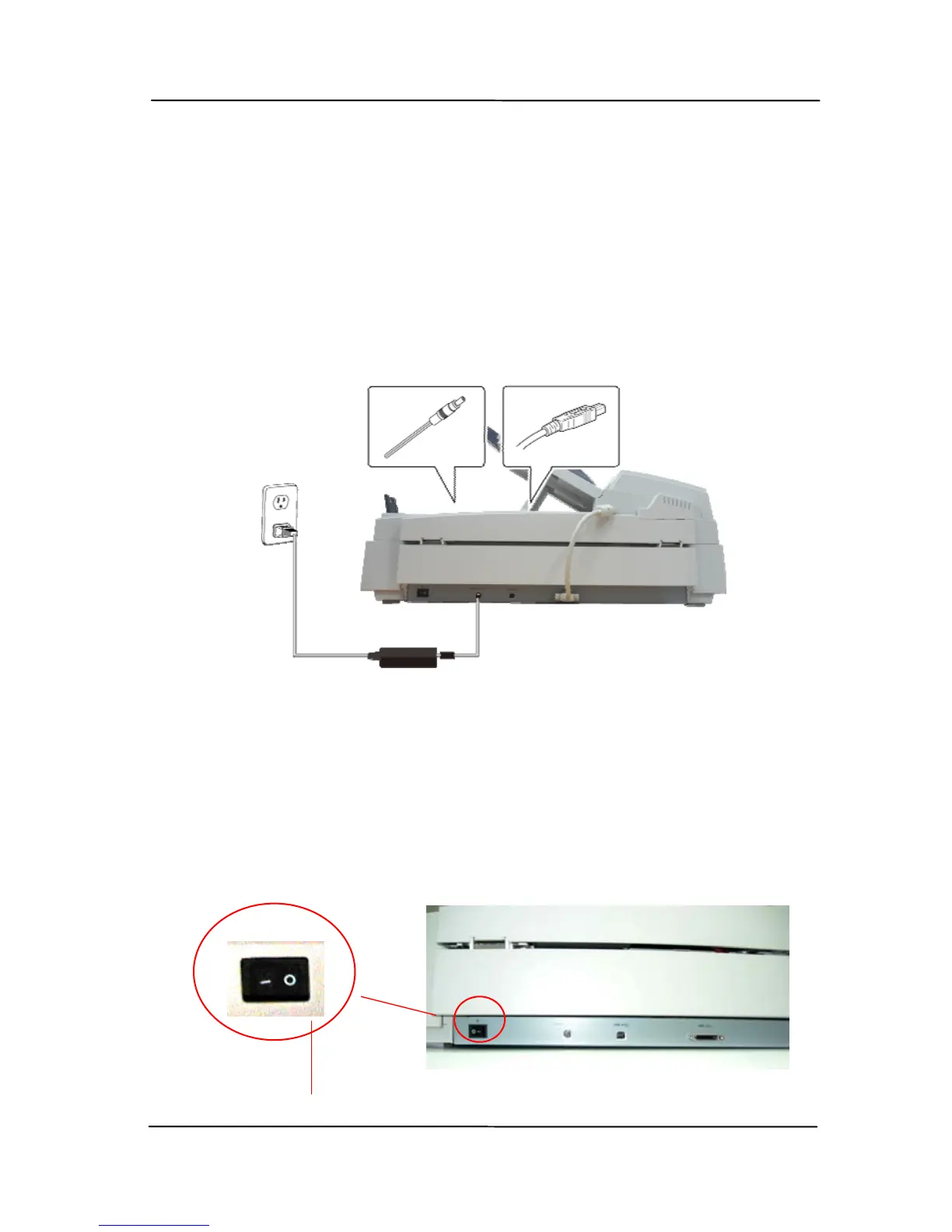
Before connecting, make sure the power switch is off.
Pl
ug the small end of the power adaptor into the power jack of
your scanner. Insert the other end to an appropriate power
outlet.
2.3.2 Turning on the Power
After the power cable and the USB cable have all been
connected, press the power switch to the “I” posi
tion to
turn on the scanner. To turn off the scanner, please press
the power switch to the “O” position.
Power switch



 To Next Page