3.2 Verifying Your Scanner Installation
T
o verify if your scanner installation is correct, Avision
provides you a useful test program called Avision Capture
Tool. With this tool, you can perform simple scans and view
the captured images. In addition, it helps you complete your
scan at a rated speed.
The following procedure describes how to verify your scanner
installation. If the installation is not correct, please review the
preceding section to check if the cable connection and scanner
driver have been successfully installed.
Before you begin, be sure the scanner is on.
1. Select Start>Programs>Avision AVxxx Scanner>Avision
Capture Tool.
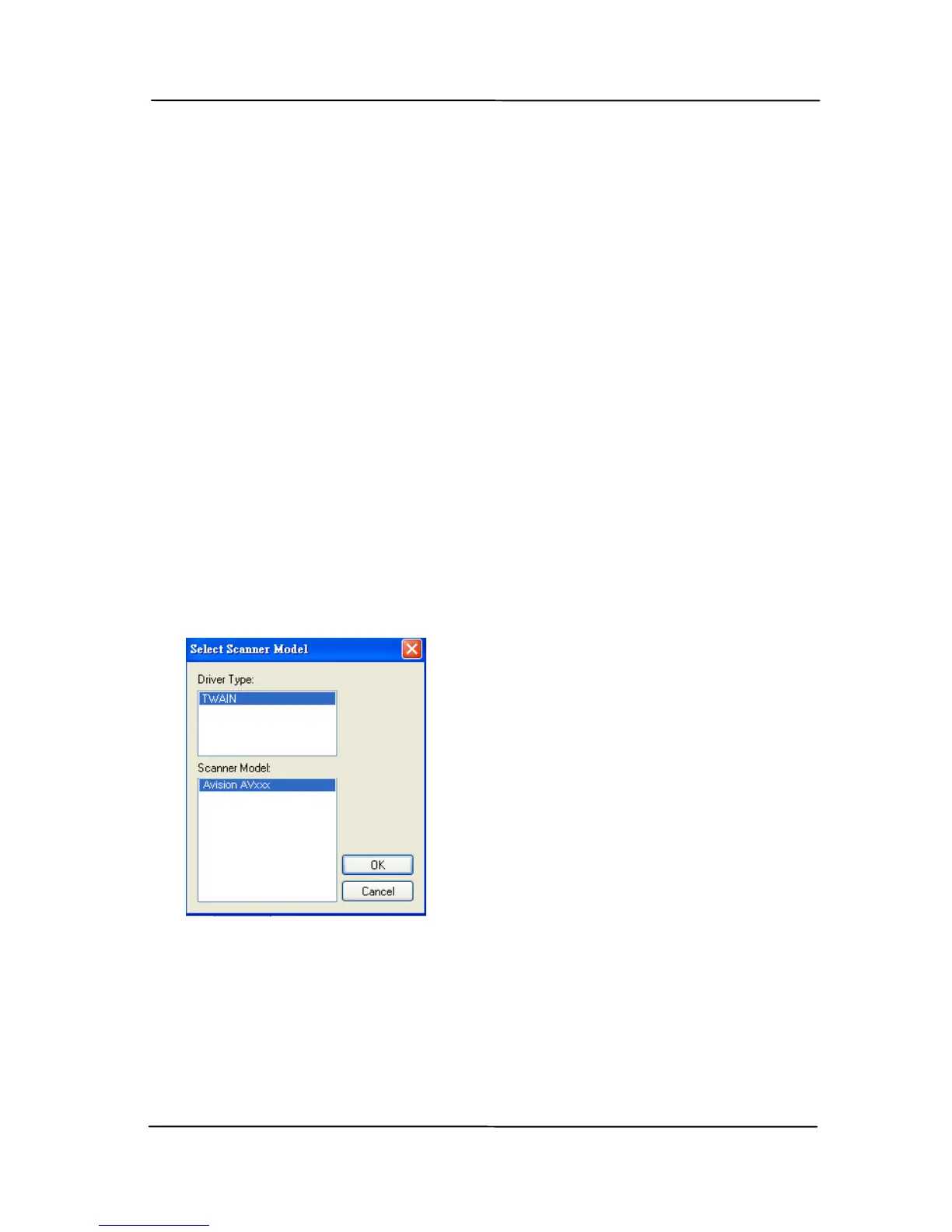
The Select Scanner Model dialog box will be displayed.
2. Select your driver type and scanner model and click OK.
The following Avision Capture Tool dialog box will be
displayed.



 To Next Page