4.5.2 Other Paper Selection
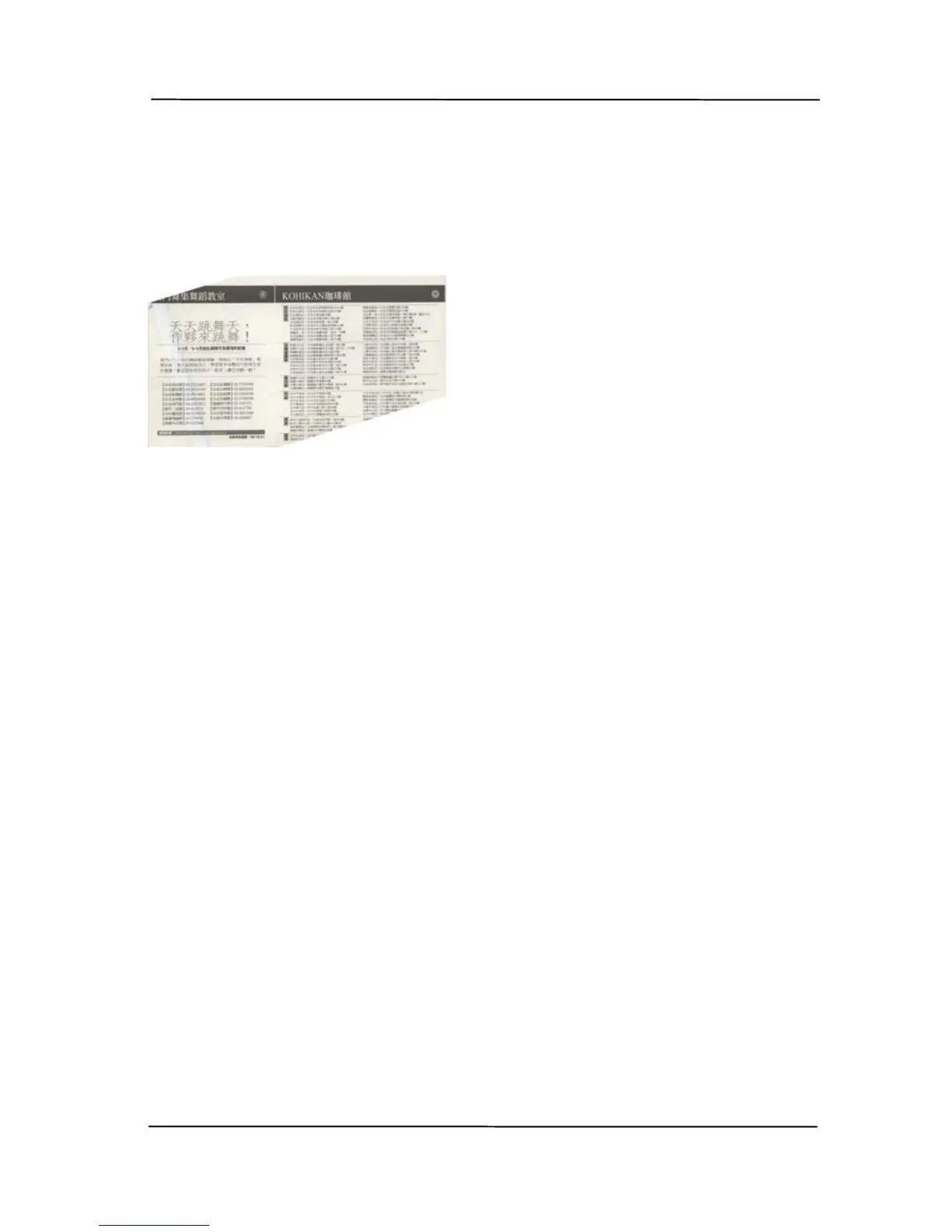
Deskew
Use thi
s option to automatically deskew a document.
Scan Area
Choose your desired paper size with the drop-down list box.
Or you may select a custom paper size by clicking the Scan
Area box and then click Add to include in the choice.
Choice: None, US Letter- 8.5”x 11”, US Legal – 8.5” x 14”,
ISO A4 – 21 x 29.7 cm, ISO A5 – 14.8 x 21 cm, ISO A6 –
10.5 x 14.8cm, ISO A7 – 7.4 x 10/5 cm, ISO B5 – 17.6 x 25
cm, ISO B6 – 12.5 x 17.6 cm, ISO B7 – 8.8 x 12.5 cm, JIS
B5 – 18.2 x 25.7 cm, JIS B6 – 12.8 x 18.2 cm, JIS B7 – 9.1 x
12.8 cm, Scanner Maximum, Long Page.
Long Page:
When you need to scan documents whose length exceeds
scanner maximum, please choose Long Page. Note if Long
Page is selected, the Multi-Feed Detection will not be
available. Options: Unknown Length, Enter Length (Note:
This option varies due to type of scanner.)
Note: If the skew angle is
too great, some of the
image may be cut off.



 To Next Page