4-31
Ultrasonic Detection
Ultrasonic Detection allows you to set overlapped document by
detecting paper thickness between documents. Note: The
availability of the function varies based on type of scanner.
There are two options available if Multi-Feed is detected.
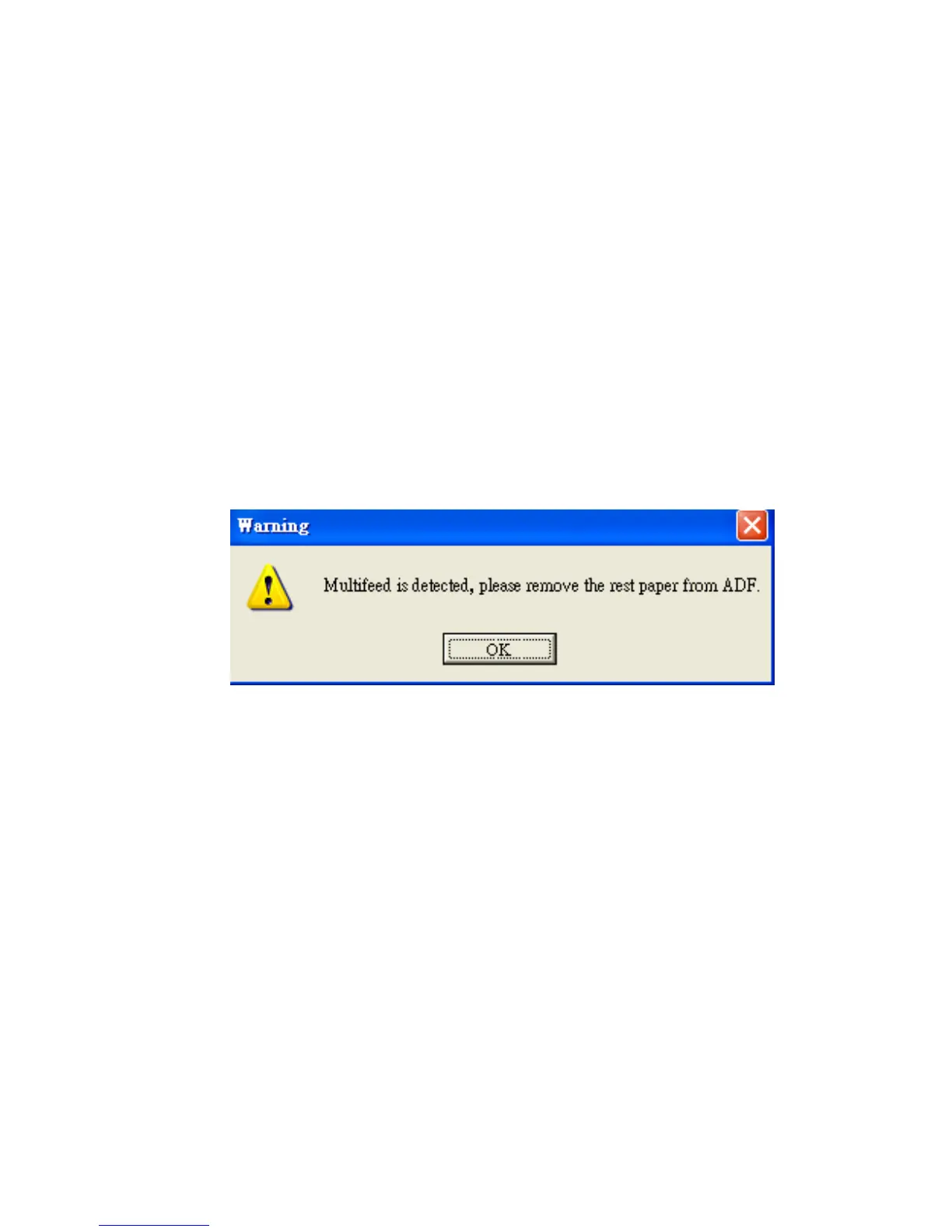
z Stop Scanning after Multi-Feed
If this is selected, the scanner will stop the feeder and
display the following Warning dialog box if multi-feed is
detected.
Action:
1. Follow the instruction on the Warning dialog box to
remove the rest pages on the feeder.
2. Click OK to close the Warning dialog box.
3. Scan the rest pages.



 To Next Page