4-32
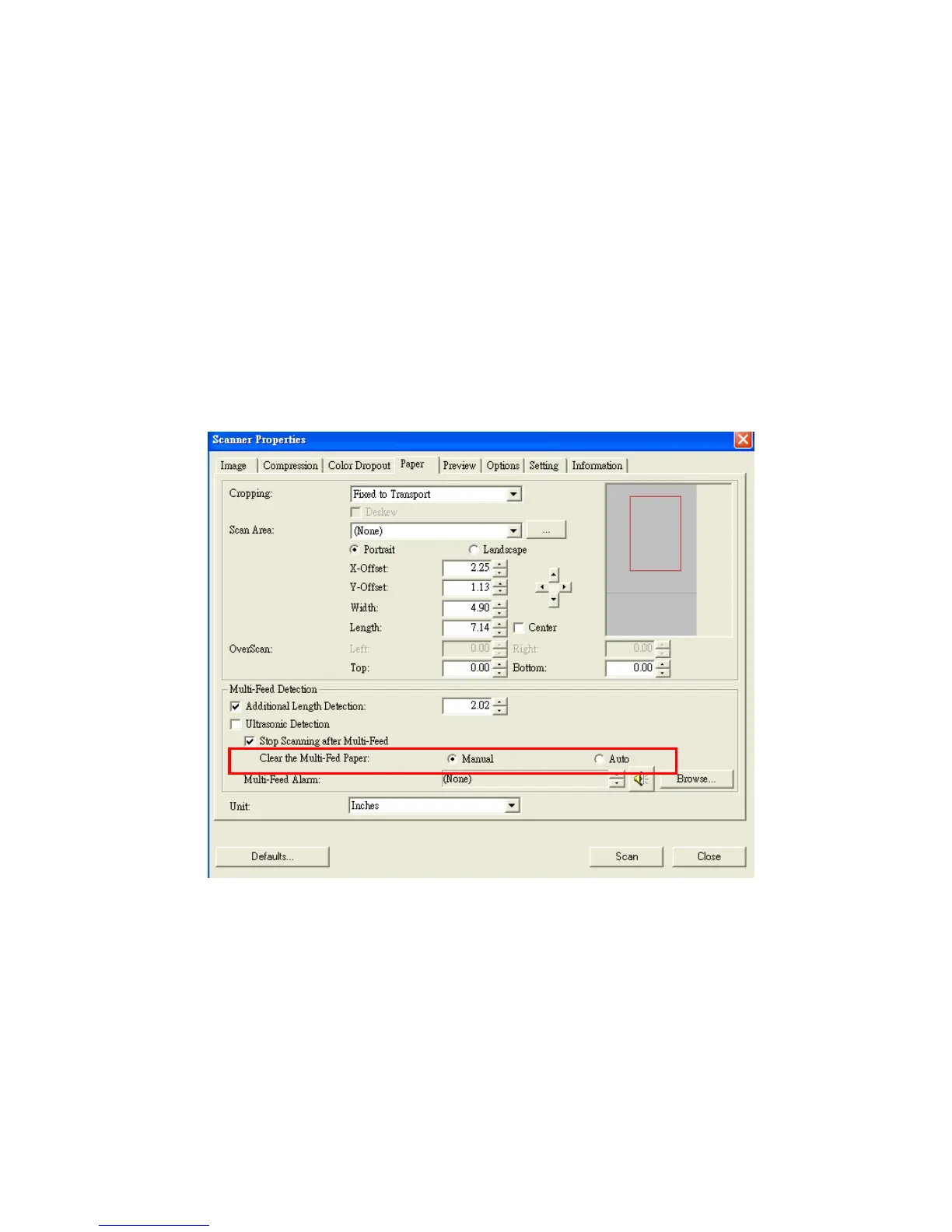
i. Clear the Multi-Fed Paper:
Choice: Manual, Auto
If Auto is selected, once multi-feed is detected and scanning
operation is stopped, the scanner will automatically clear the
transport of the multi-fed paper. If manual is selected, once
multi-feed is detected and scanning operation is stopped, you
need to manually clear the transport of the multi-fed paper.
Note: The availability of this option varies based on type of
scanner.



 To Next Page