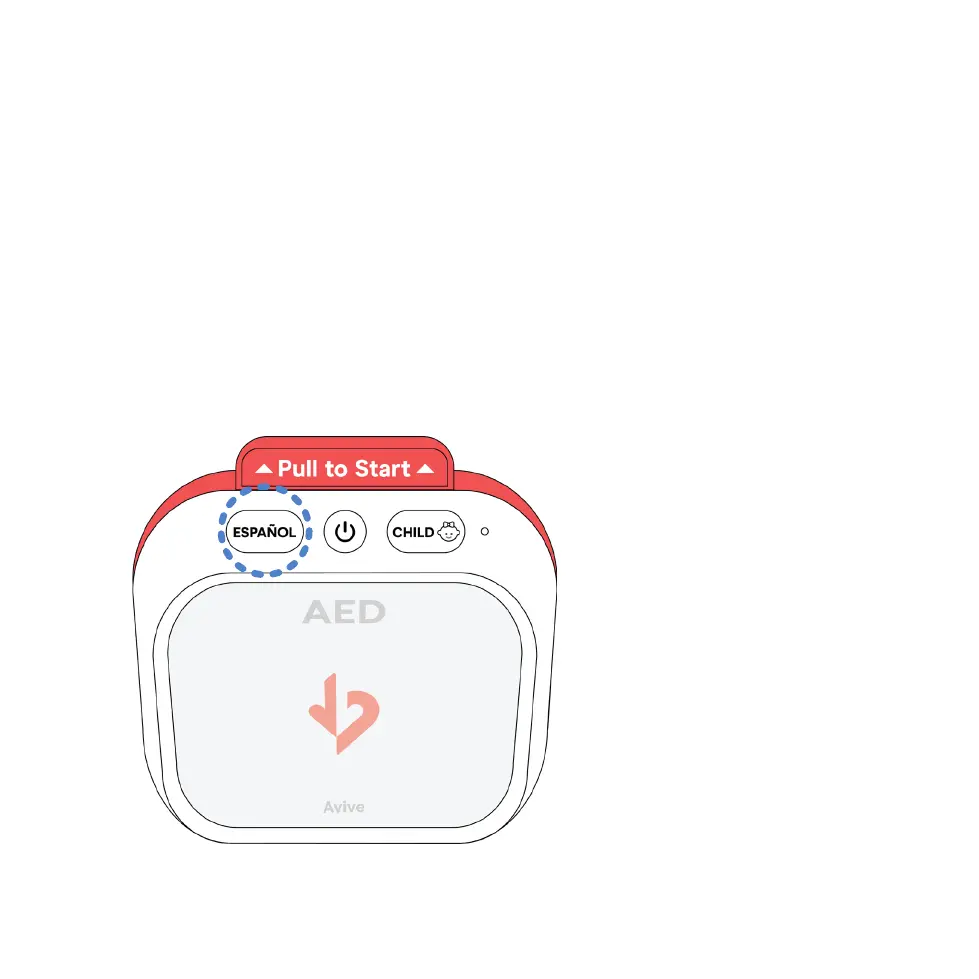
The Avive AED™ comes equipped with an easily accessible Spanish Mode. Spanish
Mode is intended for users who prefer to receive audio instructions in the Spanish
Language. In Spanish Mode the Avive AED will provide all audio instructions in
Spanish.
Upon power on, the Avive AED will default to English Mode. To switch to Spanish
Mode press the Español Button, as indicated. Once the Avive AED has switched to
Spanish Mode, the Español Button will light up and the device will begin providing
audio instructions in Spanish.
To switch back to English Mode, press the Español Button again.
16
SECTION 4 USING THE AVIVE AED
4.2 – Spanish Mode



 To Next Page