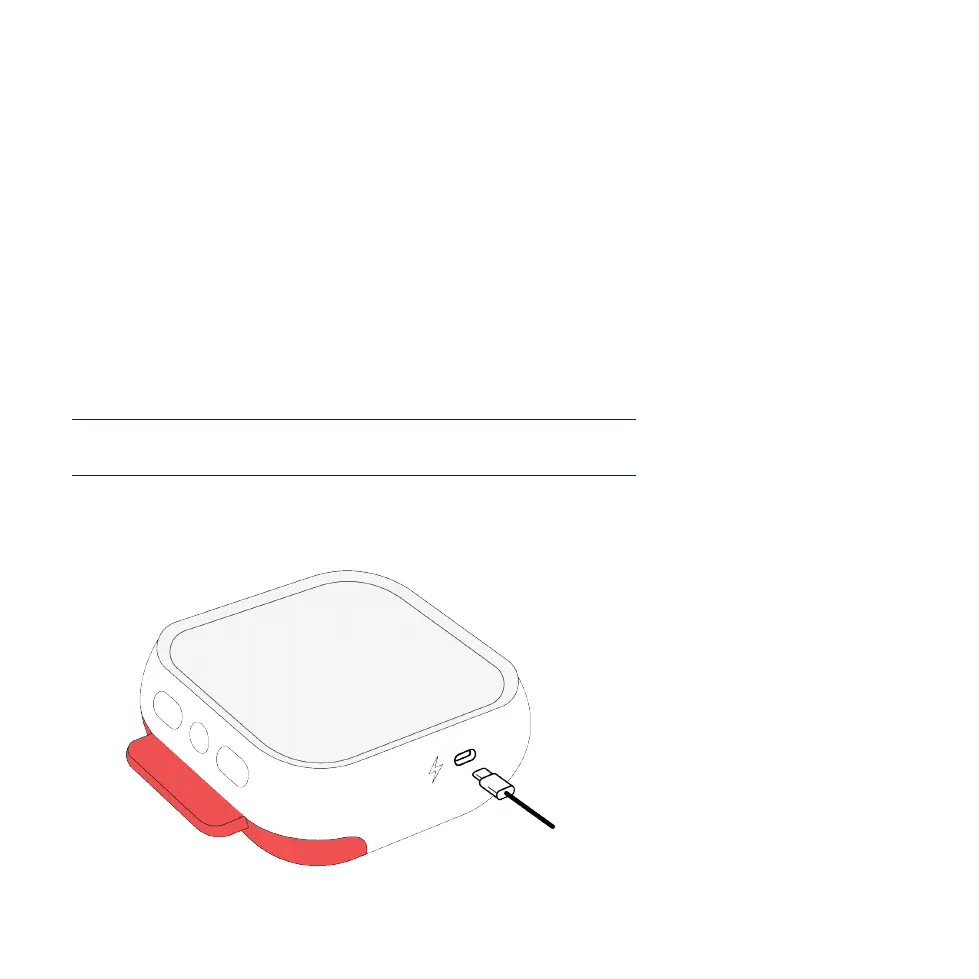
Connect the Avive™ USB Power Adapter to the Avive AED with the Avive USB
Charging Cable to recharge the device.
IMPORTANT: The Status Light may blink green or red when the device is in any of
its charging states to indicate its functionality status (See Section 5.1). To determine
which charging state the device is in, pay attention to the frequency that the Status
Light blinks.
Different charging states for the device:
Status Light blinks once every secondCharging
Status Light quickly blinks twice every 10 secondsFully Charged
Status Light blinks once every 10 secondsNot Charging
5.3 - Recharging the Avive AED™
21
SECTION 5 DEVICE MAINTENANCE



 To Next Page