9.3 FADE
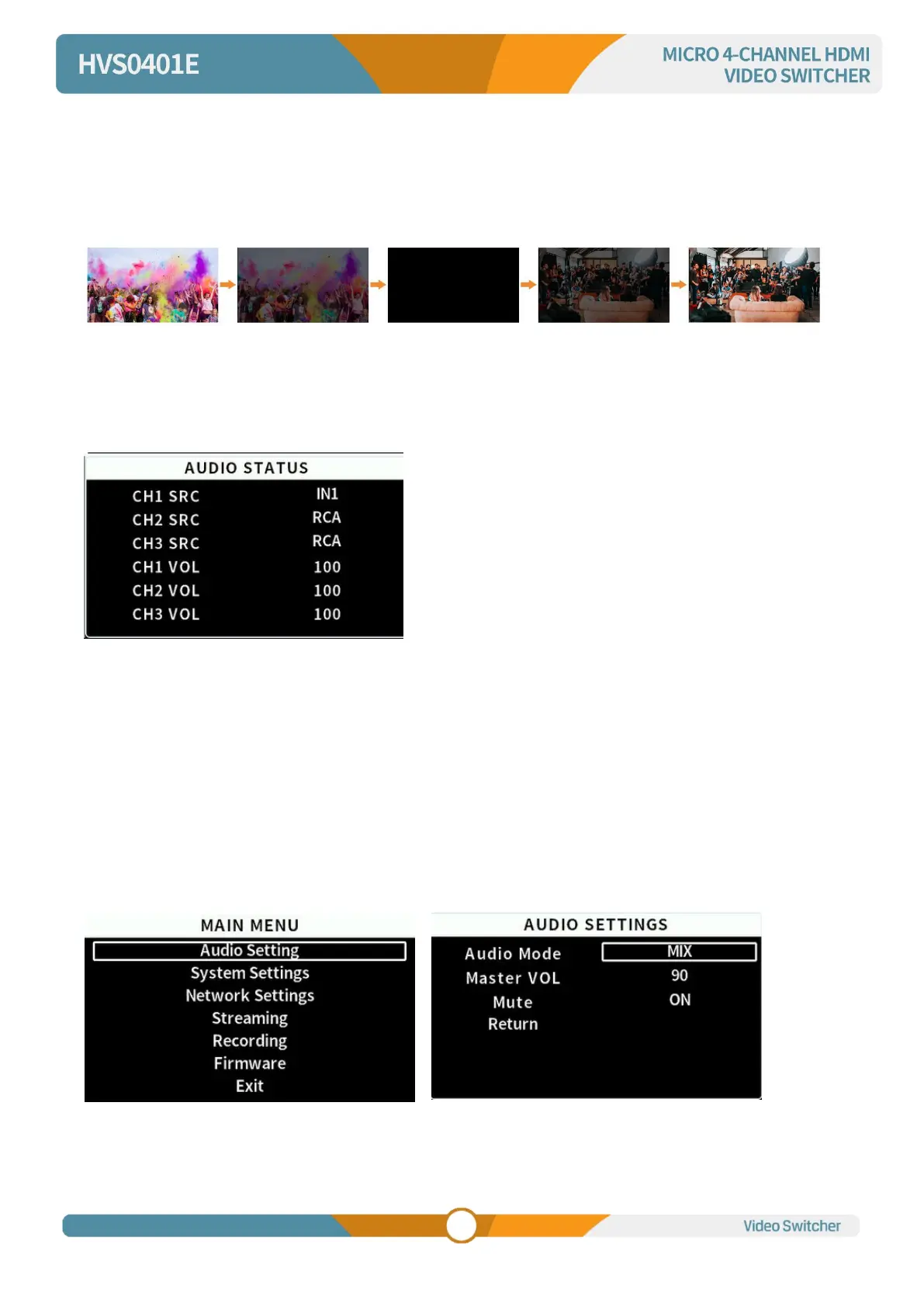
Select the FADE button and press the AUTO button to execute the FADE transition effect (as shown in the
image below). In addition, you can press the RATE1/RATE2/RATE3 buttons on the keyboard to switch
between different transition rates.
10.MENU SETTINGS
10.1Audio Settings
This video switcher supports both MIX mode and AFV mode (audio follows video), users can press AFV
or MIX on the panel to select the audio mode, adjust the volume level, or enter the main menu to set the
audio mode, master volume and mute switch in the audio settings.
MIX mode
Press button MIX to set audio mode as mixing. Press CHI/CH2/CH3 to switch the audio sources from IN1/
IN2 /IN3 /IN4 /RCA/MIC1/MIC2. Press button VOL- or VOL+ to adjust the corresponding audio volume.
Besides, you also can set the audio though menu. Press UP/DOWN to select and press MENU to
confirm.



 To Next Page