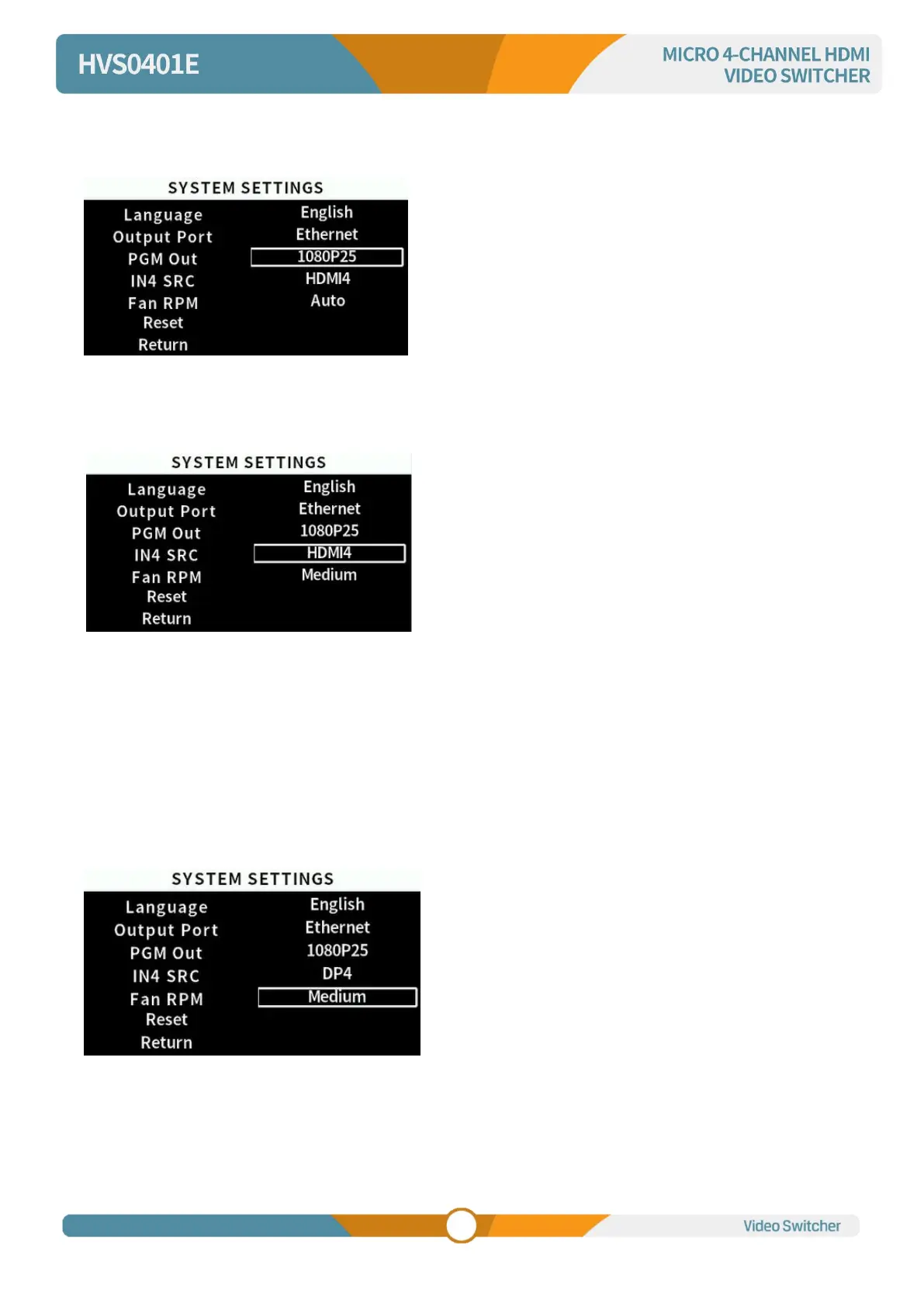
PGM Out
Users can select the resolution of the PGM output from the menu, or by pressing RES on the panel.
IN4 SRC
Select IN4 input source as HDMI4 or DP4.
Fan RPM
Setting the cooling fan speed to control the temperature and noise of the switcher. There are 5 options,
AUTO/ OFF/ HIGH/MEDIUM/LOW. The default setting of the fan is in AUTO mode that the speed of the
fan is adjusted automatically depending on the switcher’ s operating temperature. If the working
environment requires special quiet for a special application, the user can turn off the fan manually from
the menu. If the switcher is working in a high temperature environment, the auto fan setting cannot meet
the cooling requirement, then user can select the fan setting to HIGH option to keep the fan in high speed.



 To Next Page