4.7 Video Record
4.7.1 Basic Specification
Max 512GB (file system format exFAT or FAT32)
1080p 60/50/30/25/24hz, 1080i 60/50hz
4.7.2 SD Card Install and Uninstall
1) Install SD card:
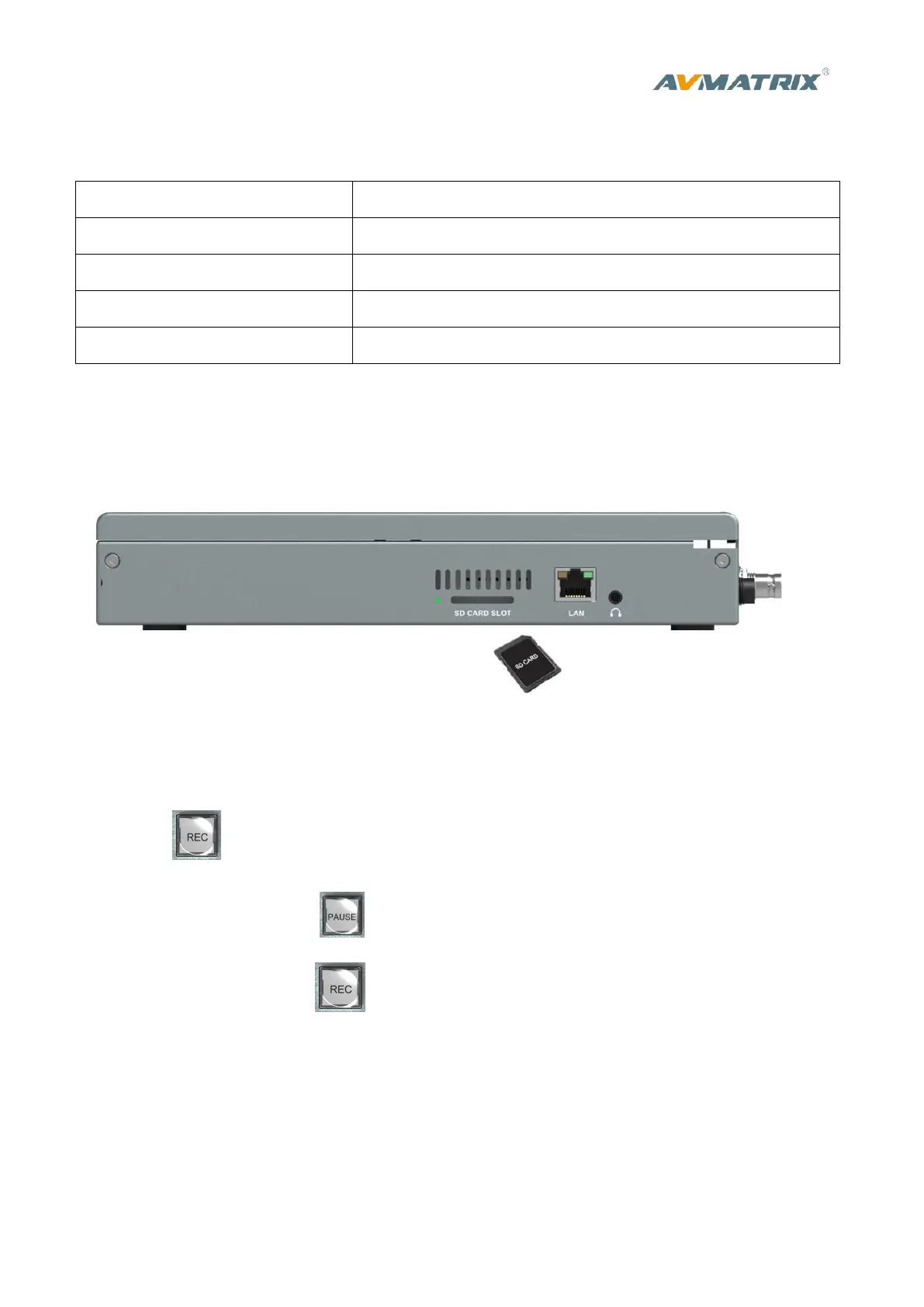
First, format SD card to exFAT or FAT32. Install the SD card into the slot from the side of video switcher.
Wait 3 sec, the LED indicator beside it will turn on.
2) Uninstall SD card:
Press the card to take it out. Use a card reader to play or copy the video files in a computer.
4.7.3 Recording Control
Press REC button start recording. Meantime, the key indicator turns on.
During recording, press PAUSE button the recording pause, and press PAUSE button again to
continue recording. Press REC button, recording stops and save the video file to SD card.
Record video resolution is same to SDI PGM output resolution. (Reference part 4.3)
The recording status shown beside the menu, including information of REC mark, recording time,
available storage. See below image:



 To Next Page