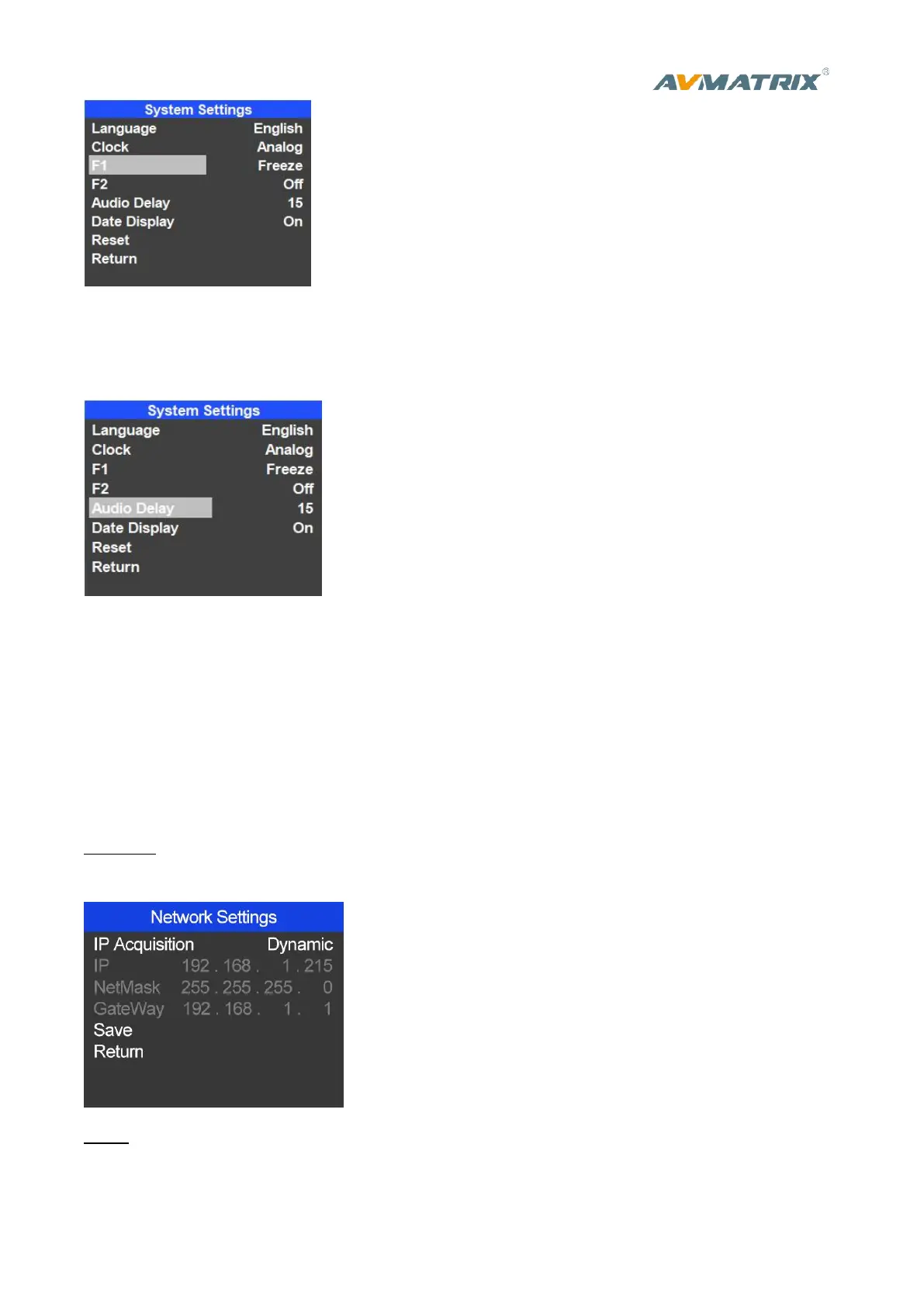
5.1.4 Audio Delay
Entering system settings, select Audio Delay and set the audio delay time.Totally there are 0-30 degree,
20ms per degree. The maximum delay time is 600ms.
5.1.5 Date Display
Entering system settings, select Date Display to ON or OFF date display of analog clock.
5.2 Network Settings
5.2.1 Network
There are two ways to acquire the IP: Dynamic(IP configured by router) and Static(set IP freely by
yourself) . Select the method you need by knob menu. The default setting is Daynamic.
Dynamic: Connecting the video switcher with a router with DHCP features, then it will auto obtain an IP
address automatically. Make sure that the video switcher and PC are in the same local area network.
Static: Select static IP acquire method when the PC is without DHCP. Connect the video switcher with PC
via network cable,set the PC’s IP address to the same IP range as video switcher( the video switcher’s
default IP address 192.168.1.215), or set the video switcher’s IP address to the same IP range as PC’s IP



 To Next Page