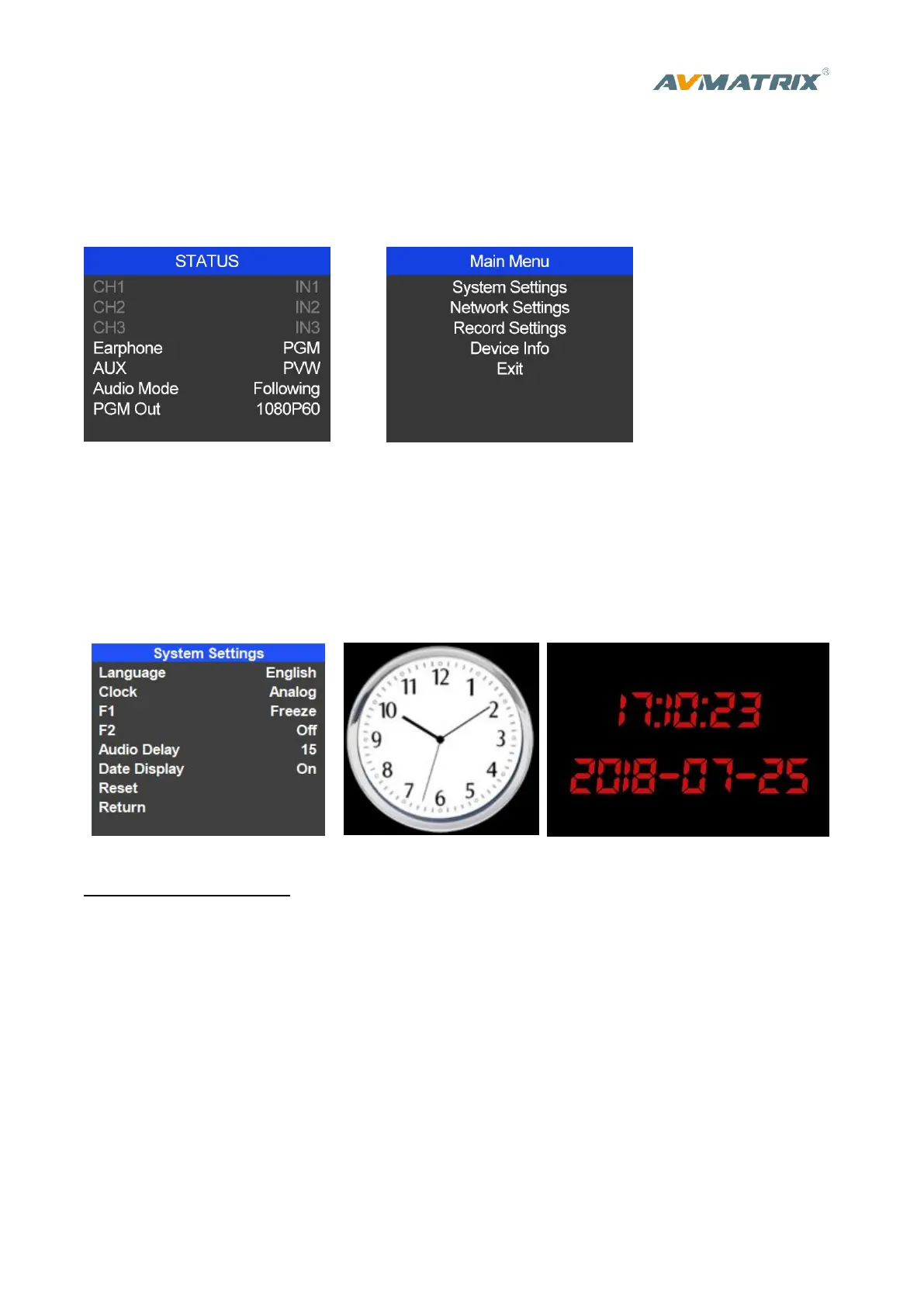
5. Main Menu Setting
When STATUS menu is not selected, press the MENU button to enter into main menu directly. In case
one of the item is selected(see below), rotate the MENU button rotate anticlockwise to exit the choice,
then press the MENU button to enter into main menu.
5.1 System Settings
5.1.1 Language
Entering system settings from the menu to switch the system language between English and Chinese.
5.1.2 Clock
Entering system settings from the menu to switch the real-time clock shown in Analog or Digital.
Connect video switcher to a PC and download a time control software from AVMATRIX official website
www.avmatrix.net/download/ Open the software and click Scan to search and connect the device, then
the clock time will be changed to same time to the PC’s time.
5.1.3 F1/F2
Entering system settings, select F1 or F2 and define the function of these two shortcut key between
Freeze/PIP/POP/Luma Key/Chroma Key/Off. After setting, the corresponding function can be enable
by pressing F1/F2 key on front panel.



 To Next Page