Note:
1. The record file will be saved to SD card only after pressing the REC button to stop recording. Otherwise,
the record file might be corrupted.
2. In case the switcher is power off during record, the record file might be corrupted.
3. If you want to change the PGM output resolution during recording, please stop recording and save the
file first, then start record again in new resolution. Otherwise, the record video files in SD card will be
abnormal.
4.7.4 Record Settings
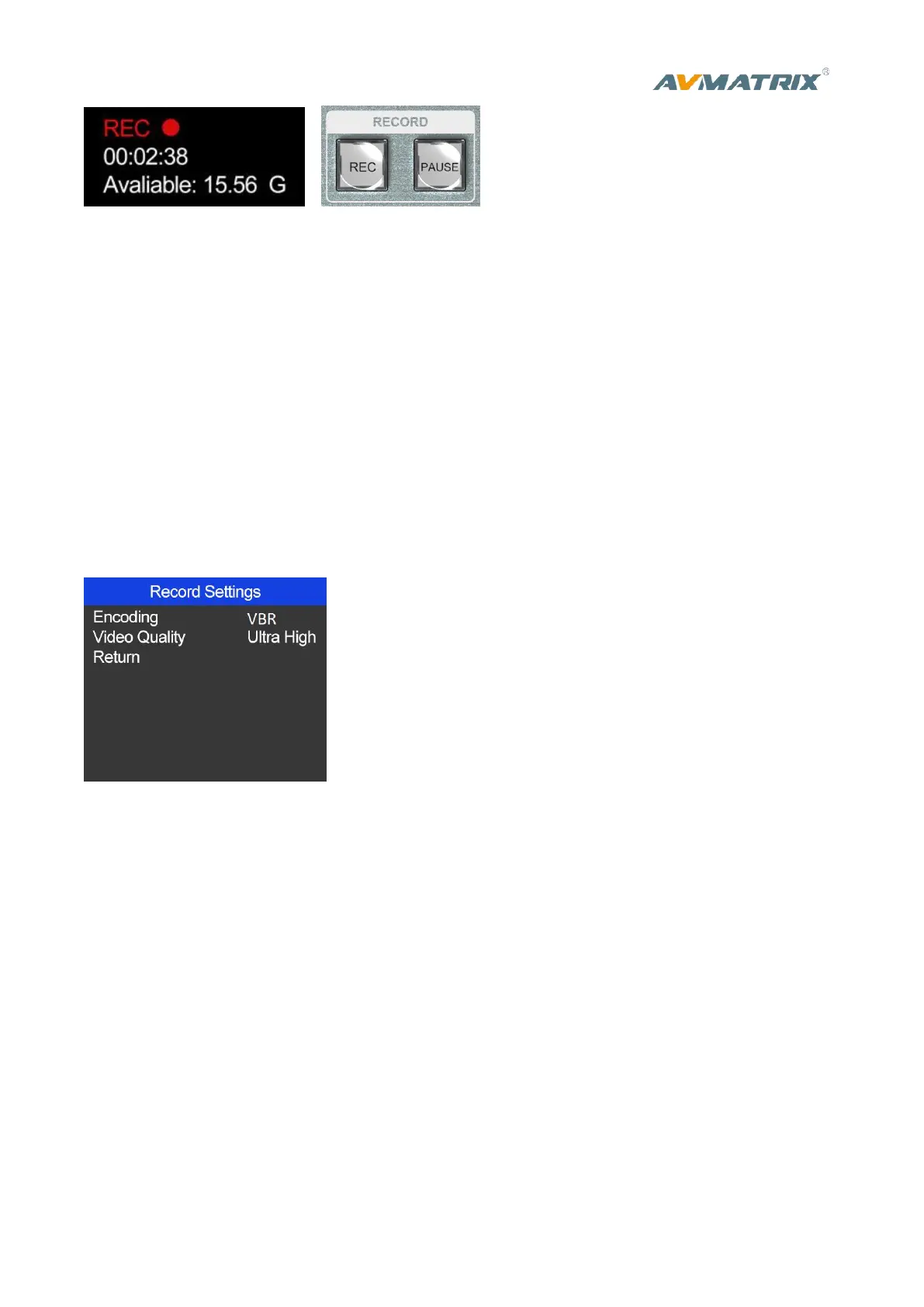
Entering into the recording settings in main menu, the default encoding format of the recording is VBR.
User can also select the video recording quality they need , there is Ultra High, High, Medium, Low for
choice.
4.8.USB3.0 Live Streaming
The USB3.0 streaming output transmits the PGM as an uncompressed Video and Audio signal. The
USB3.0 streaming output is based on UVC (USB video class) and UAC (USB audio class) standard. No
additional drivers need be installed. After installation in operating system, the relevant video and audio
devices will be added in the Windows Device Manager. There will appear two new devices:
• Under Imaging Devices: AVMATRIX USB Capture Video
• Under Audio inputs and outputs: AVMATRIX USB Capture Audio
Use a third party Video Media Player like PotPlayer, OBS, Windows Media Player to play and store the
captured video content.



 To Next Page